


 In-app survey
Capture real-time feedback on your product
Gather real-time user insights by conducting targeted surveys directly within your product. Install and run it easily with no code.
How in-product survey can help you
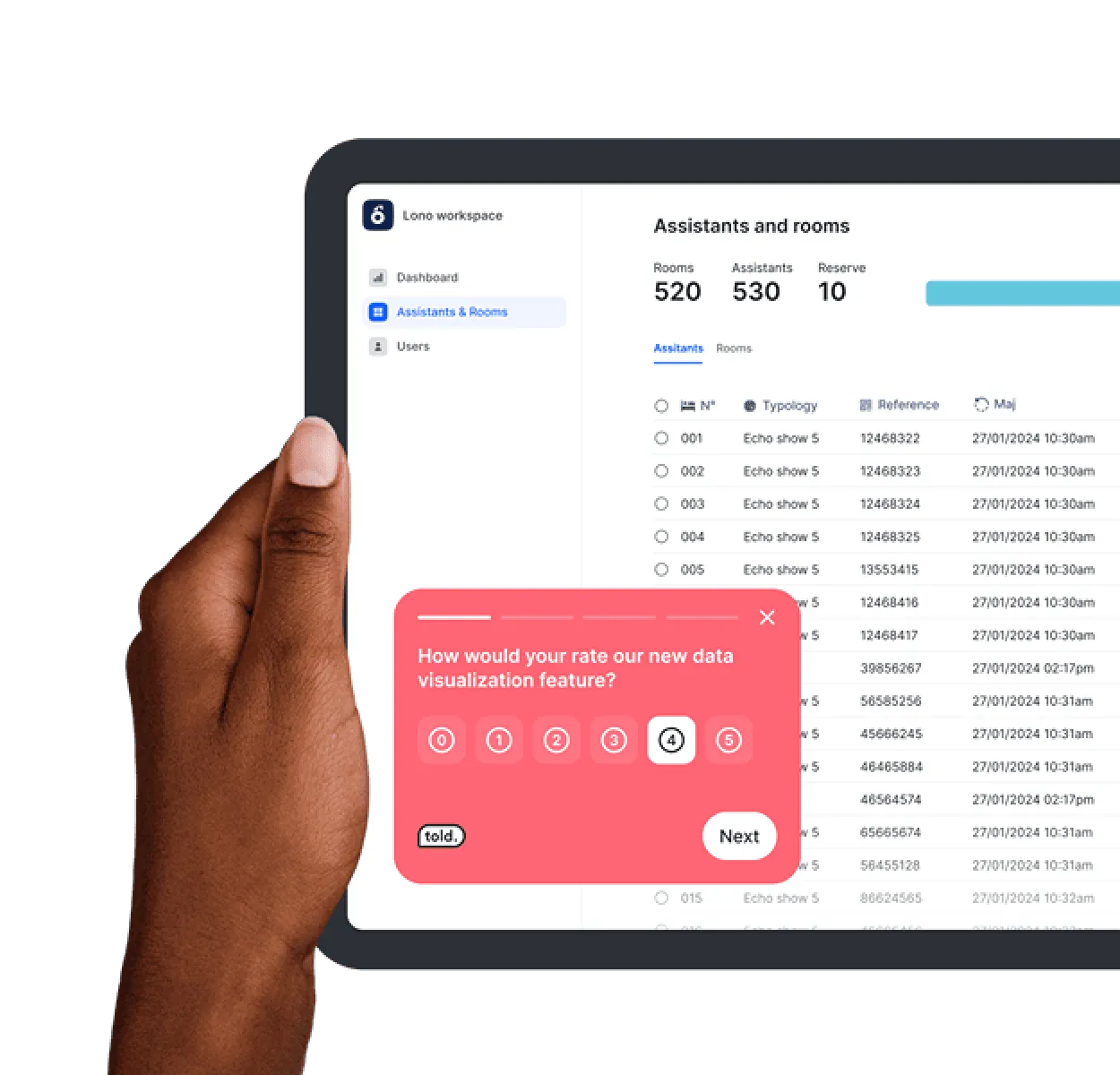
Understand users' needs
Improve your product development by directly asking users which features they find most useful or in need of optimization.
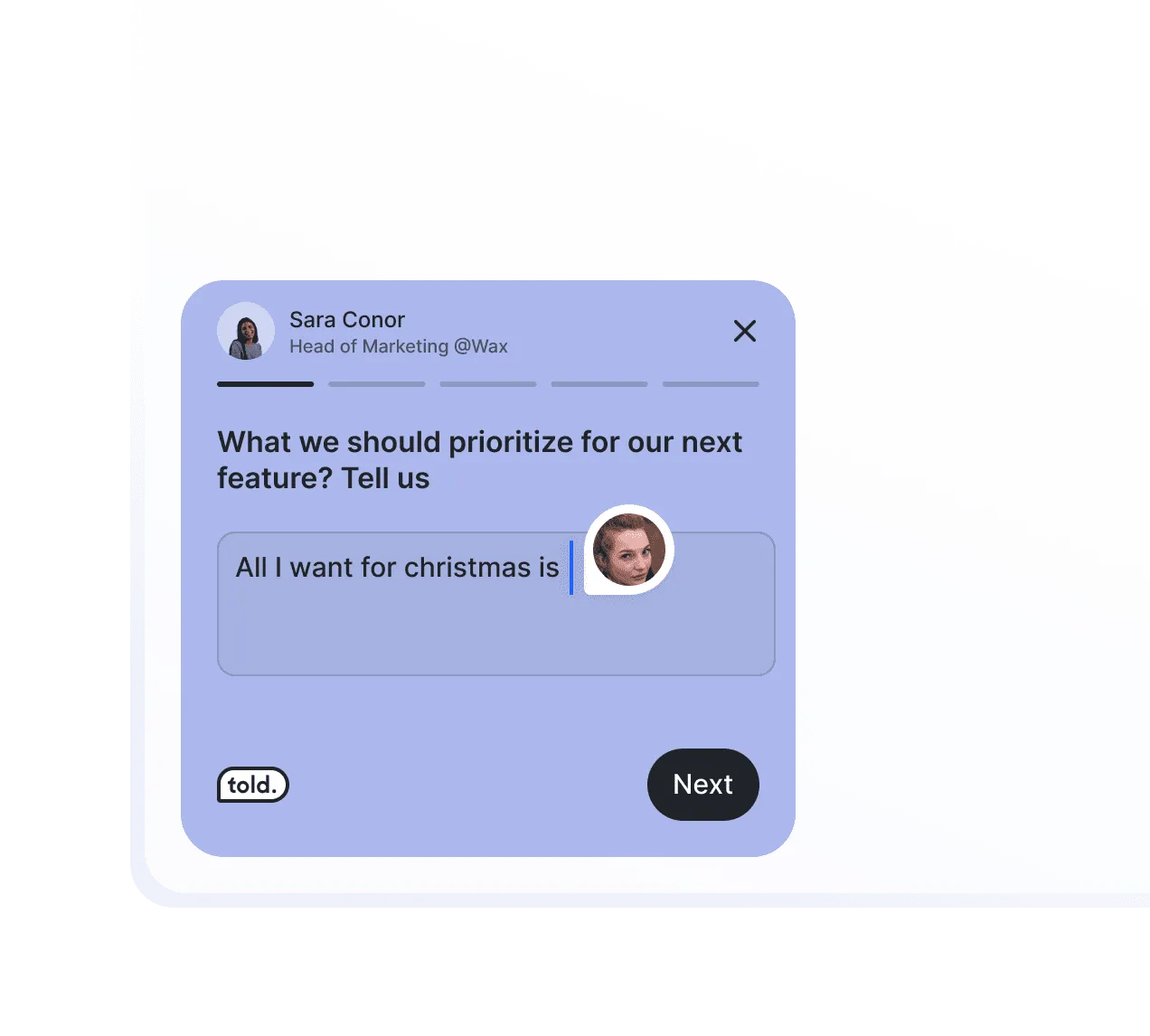
Recruit users from your product
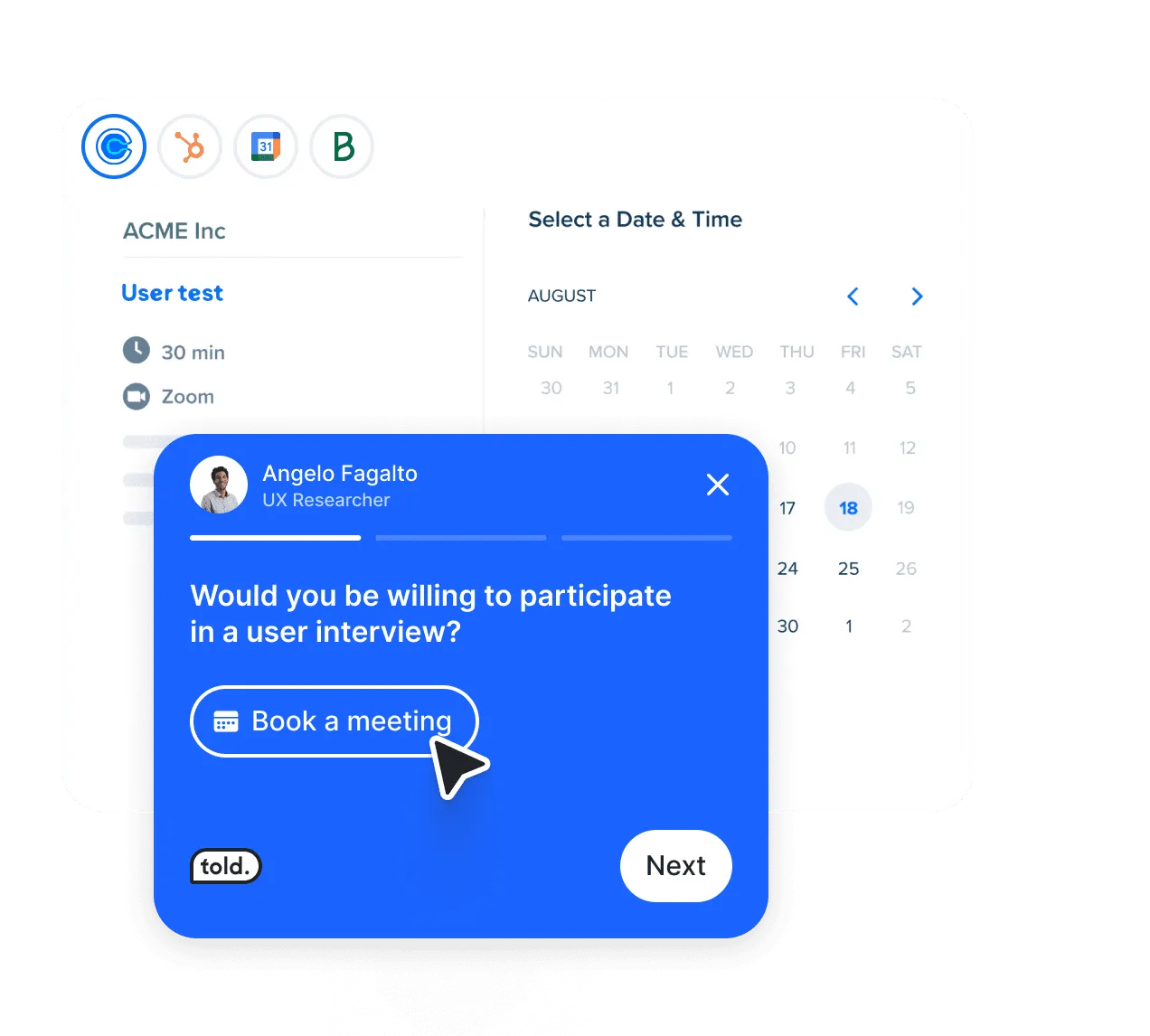
Recruit passionate users! Leverage our popup survey to enlist loyal customers for your UX research projects.
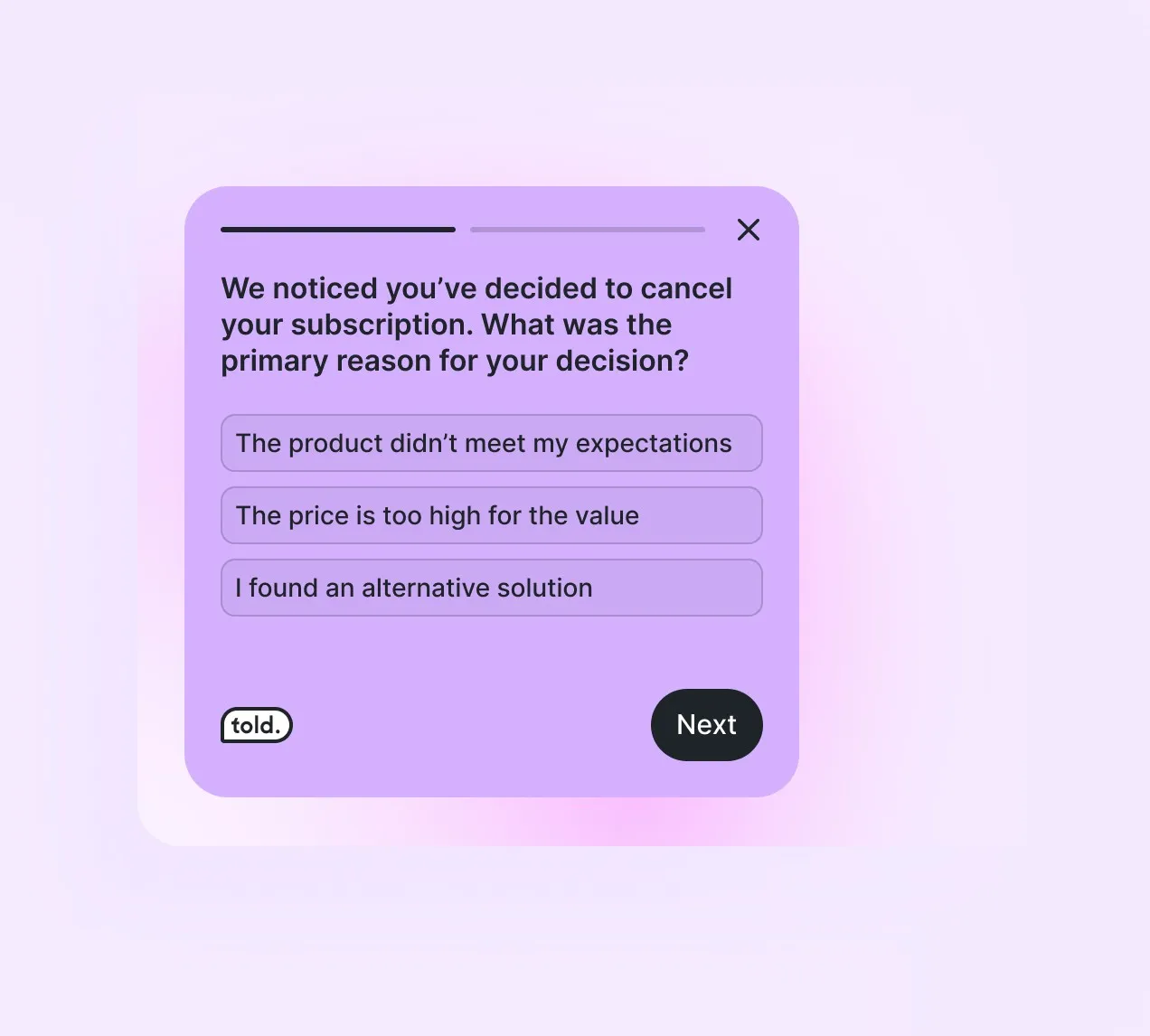
Turn every churn into an opportunity
Discover why users abandon your product after extended use. Leverage user feedback to enhance your product analysis and guide your strategic decisions.
Measure Satisfaction
Measure customer satisfaction with Told. Our platform allows you to track key indicators like Net Promoter Score (NPS) and Customer Satisfaction Score (CSAT).
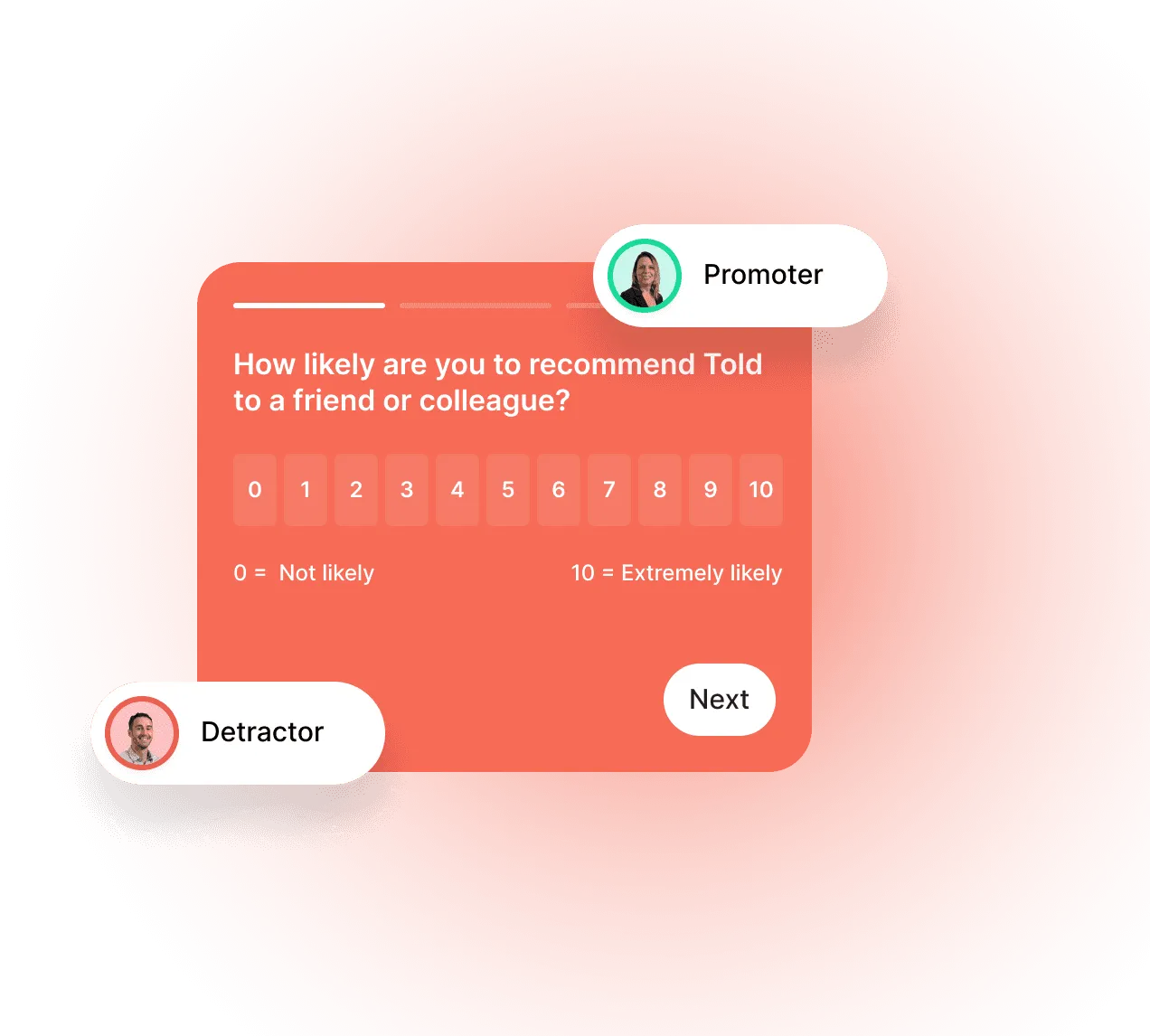
Publish your survey in 3 steps within your product
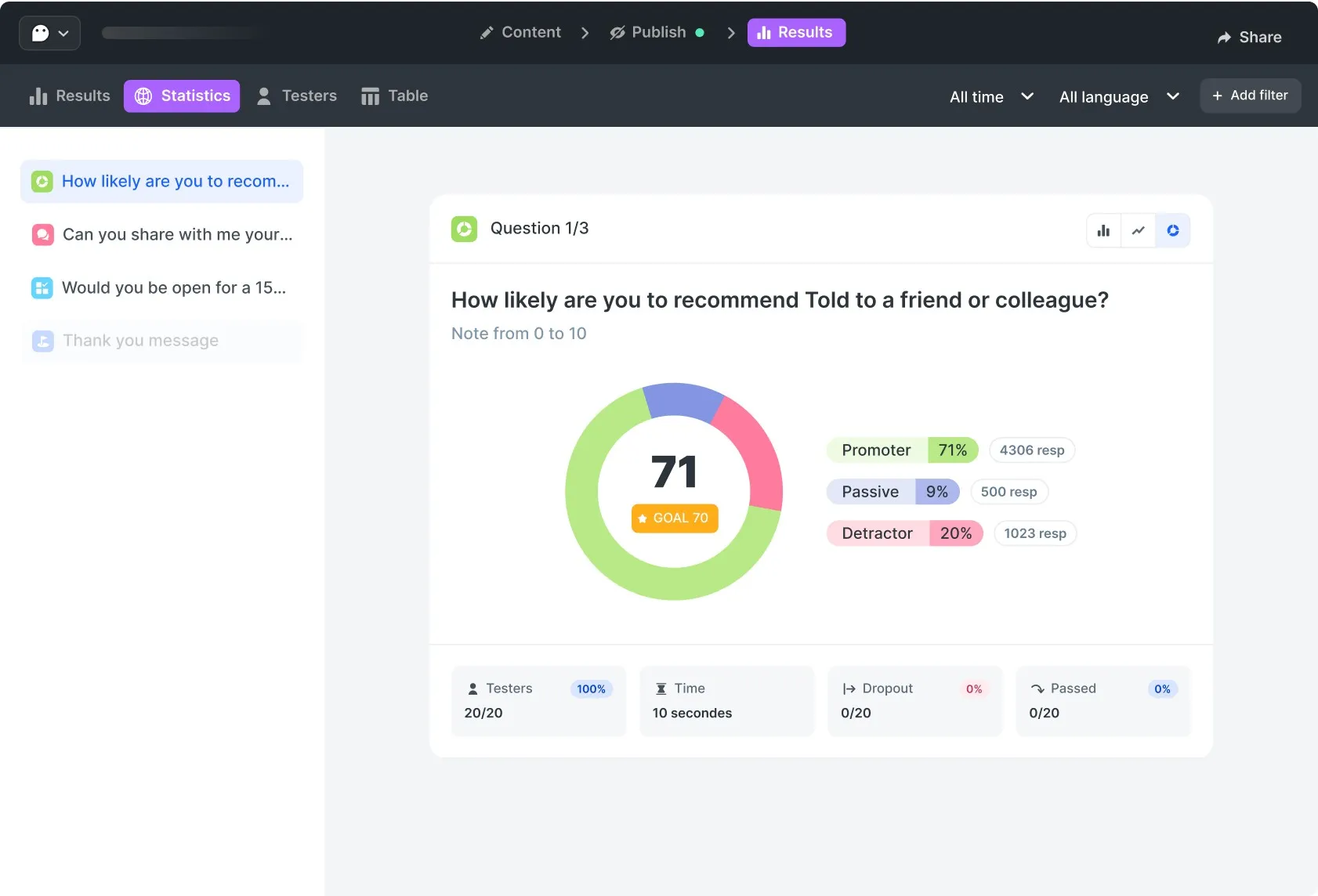
Effortlessly analyze your results, no matter your expertise.
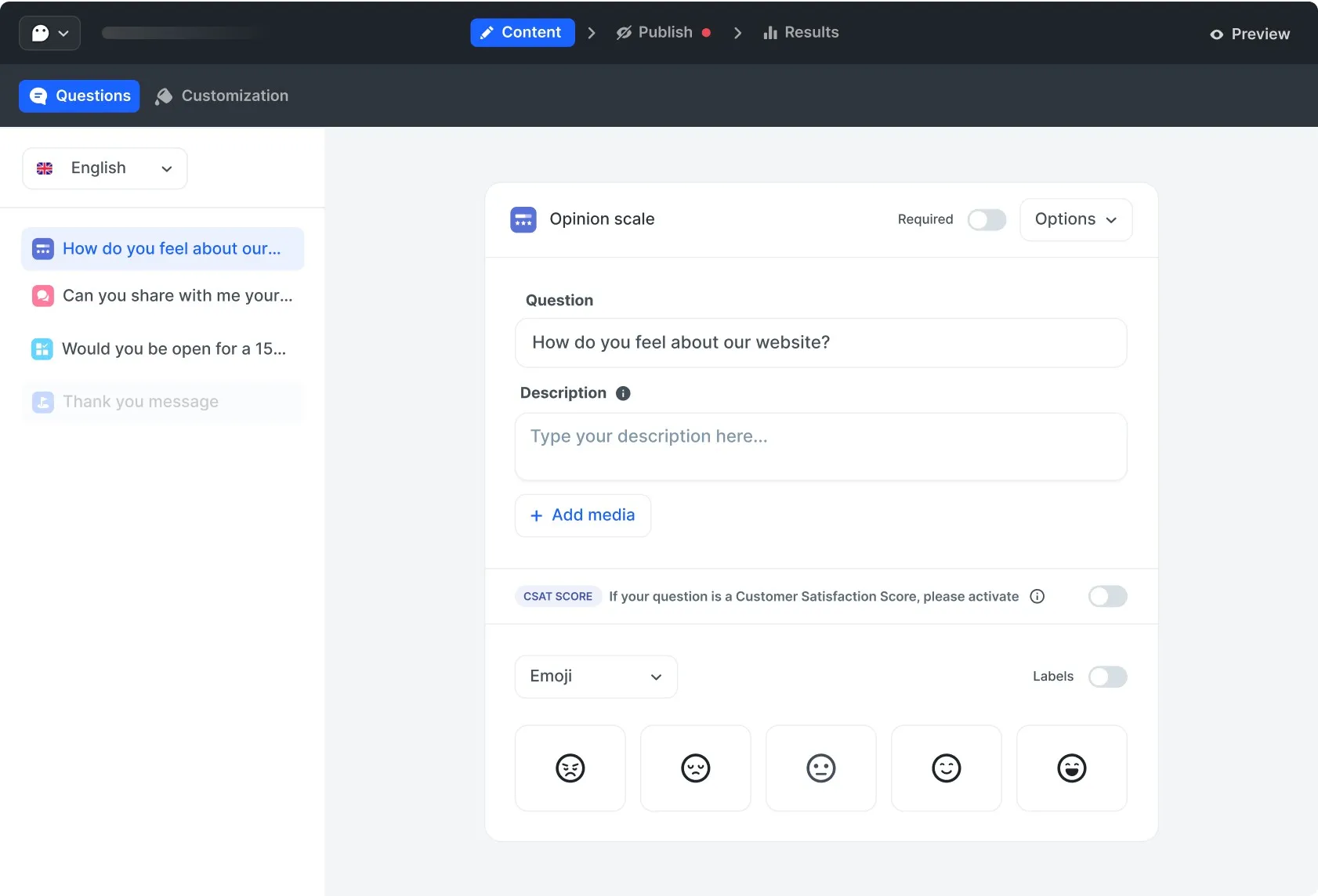
Create your survey easily with different types of questions in multiple languages.
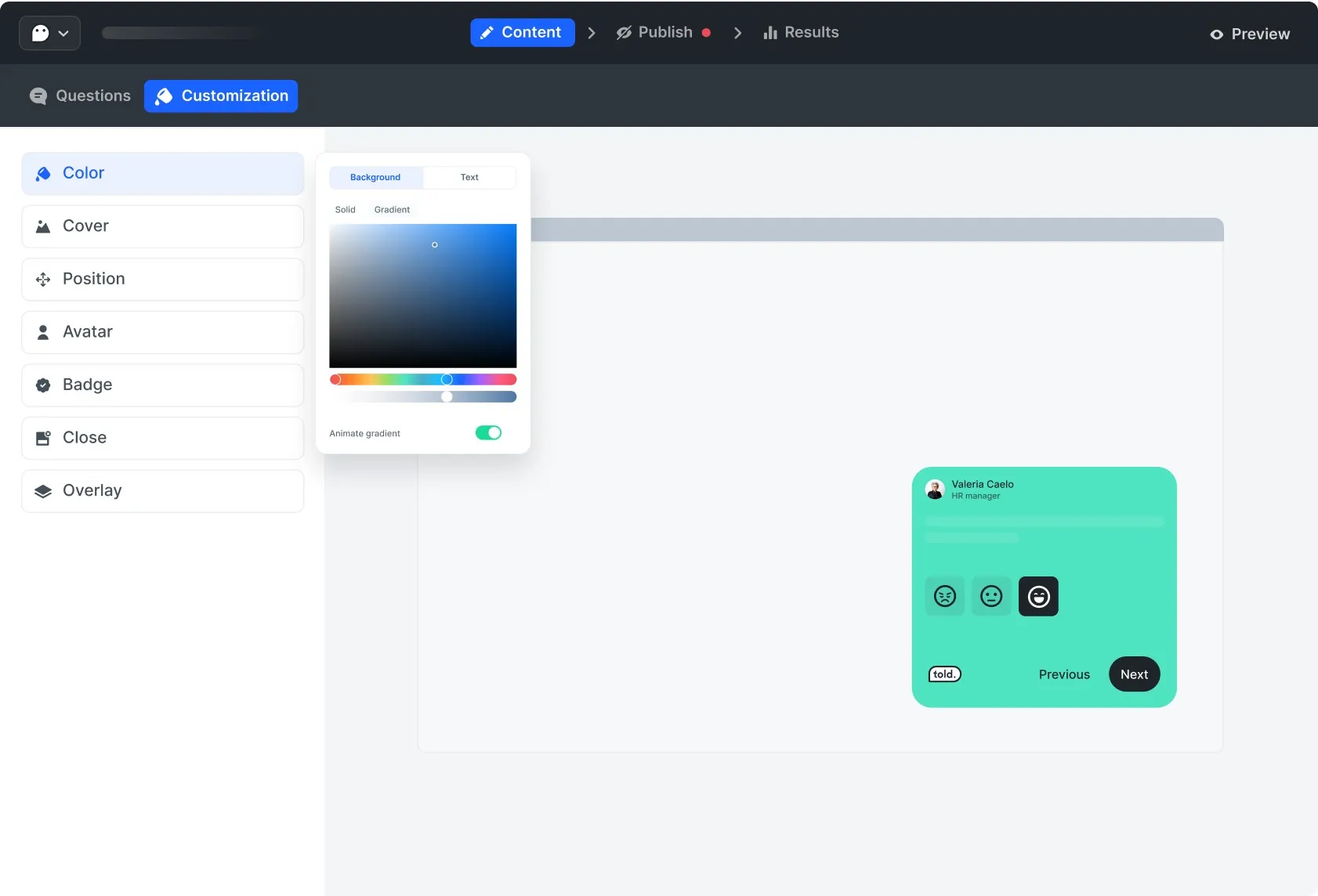
Stay consistent with your brand. Manage color, add an avatar, and more options.
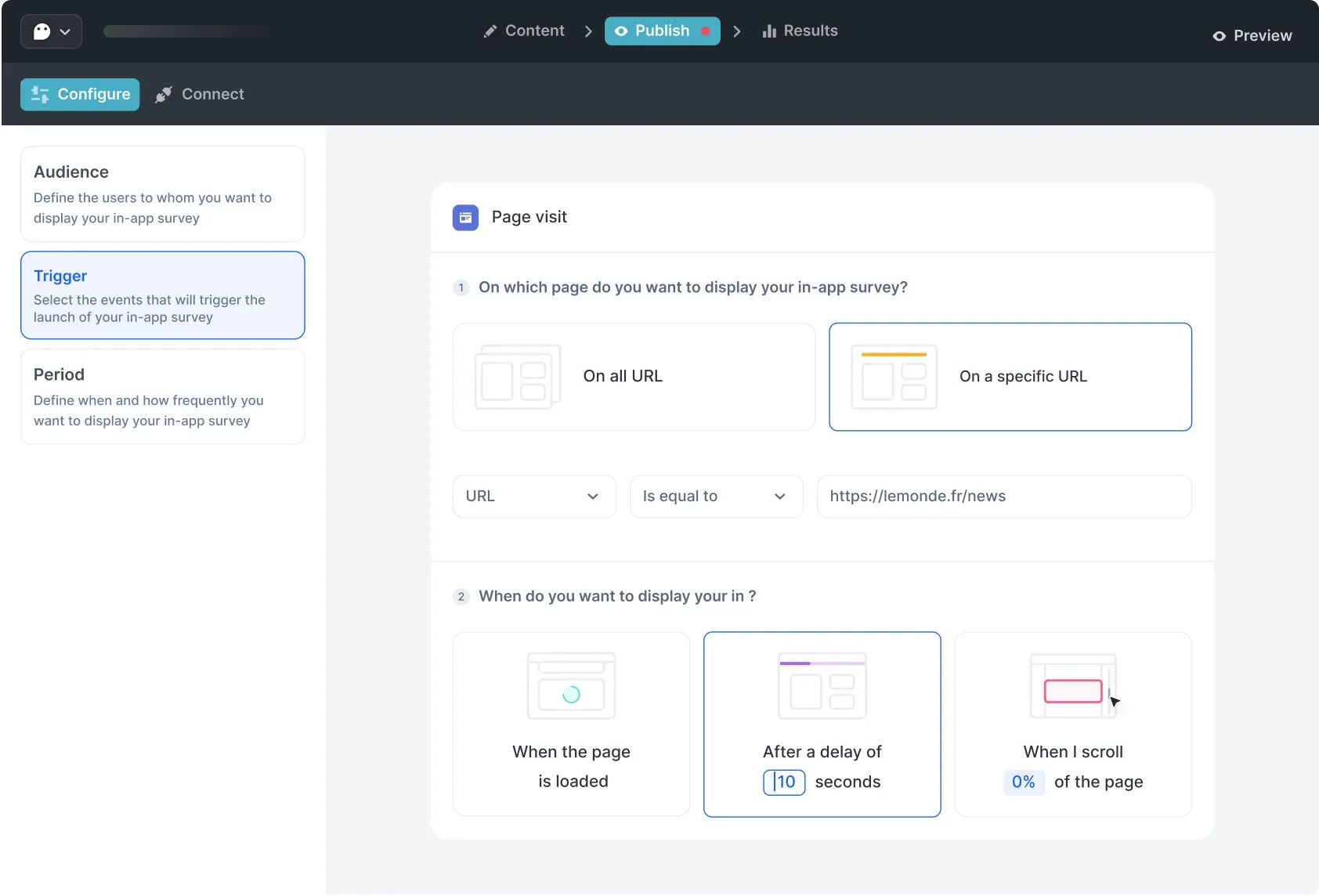
Target the right audience at the right time. Choose when and where to launch your survey.
Build your team’s vision around intuitive data. Understand not only your respondents' answers but also how they engage.
For the design lover, by design lover
Told is designed to seamlessly align with your brand and product, creating a natural fit.
Your data, ready to Travel
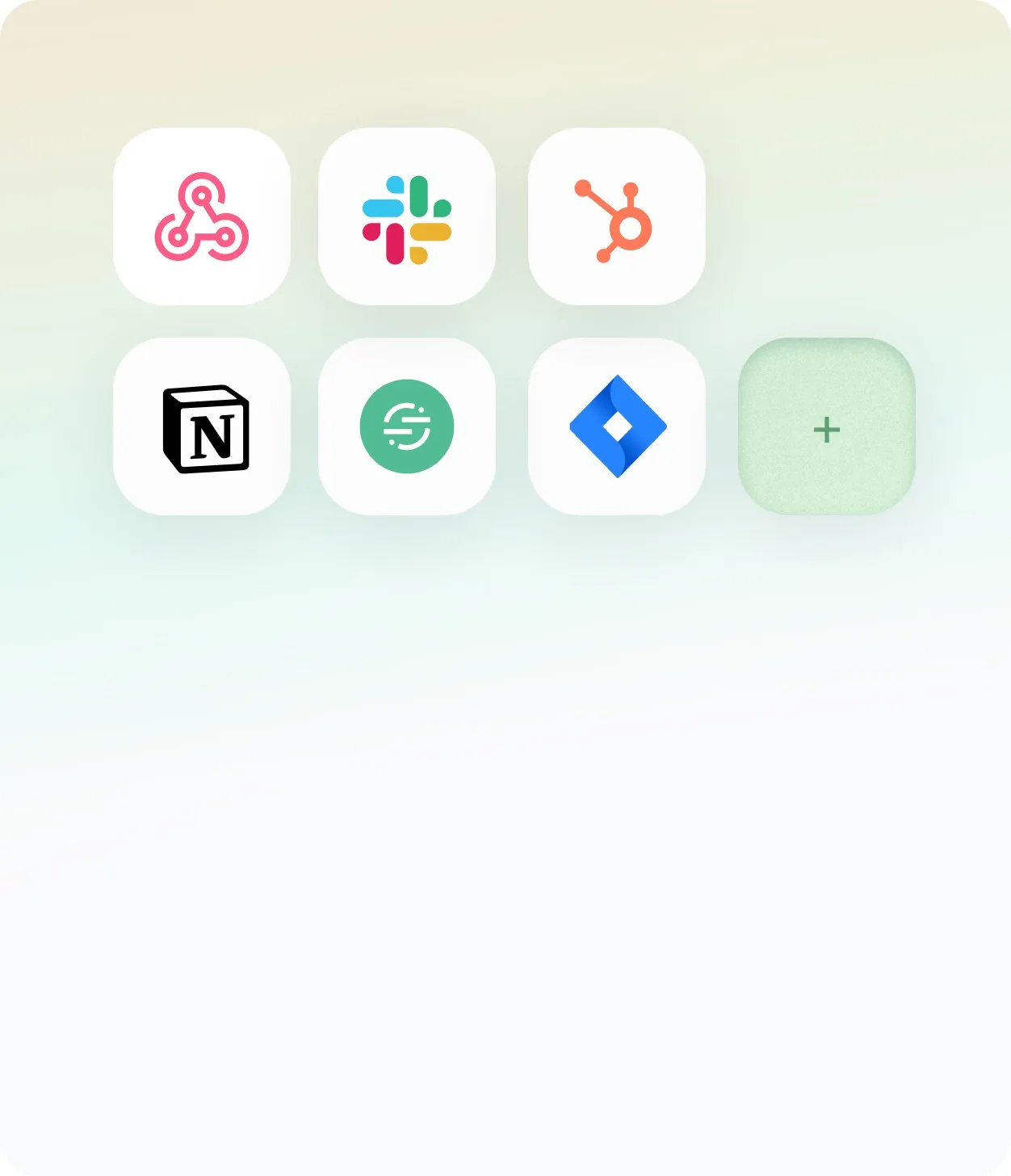
Use our webhooks to send datas to other tools like Slack, Hubspot, Mixpanel and more. Enhance the value of your data by mixing with others.
Quick Setup, Long-Term Ease
Copy-paste a tiny piece of code in the header of your website/webapp or use google tag manager to install Told. We made the installation process as easy as possible for you.

Target Smarter, Engage Better
Effortlessly connect with frequent users using our audience feature to deliver tailored surveys that boost engagement and results.
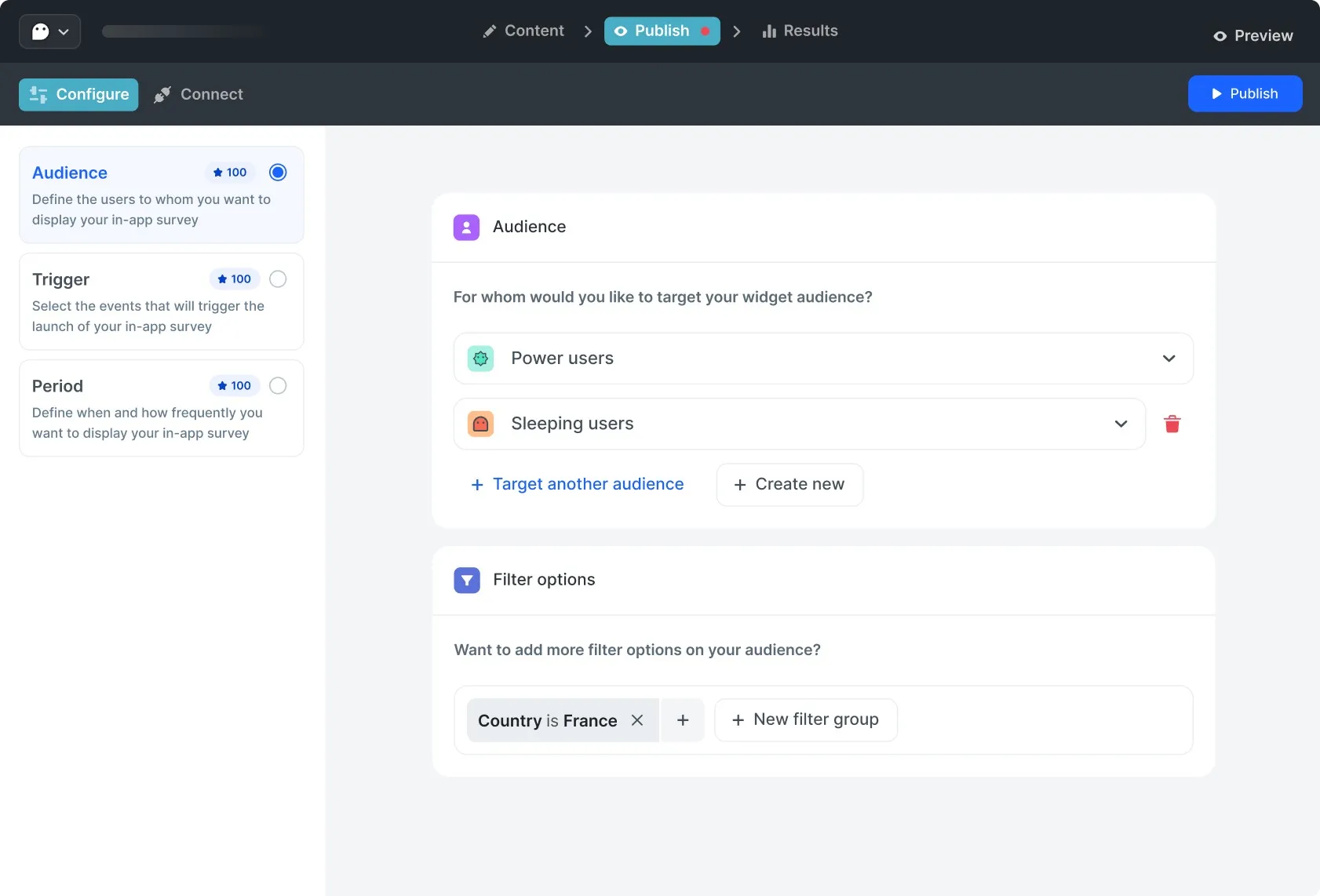
Build and define your audience segmentation
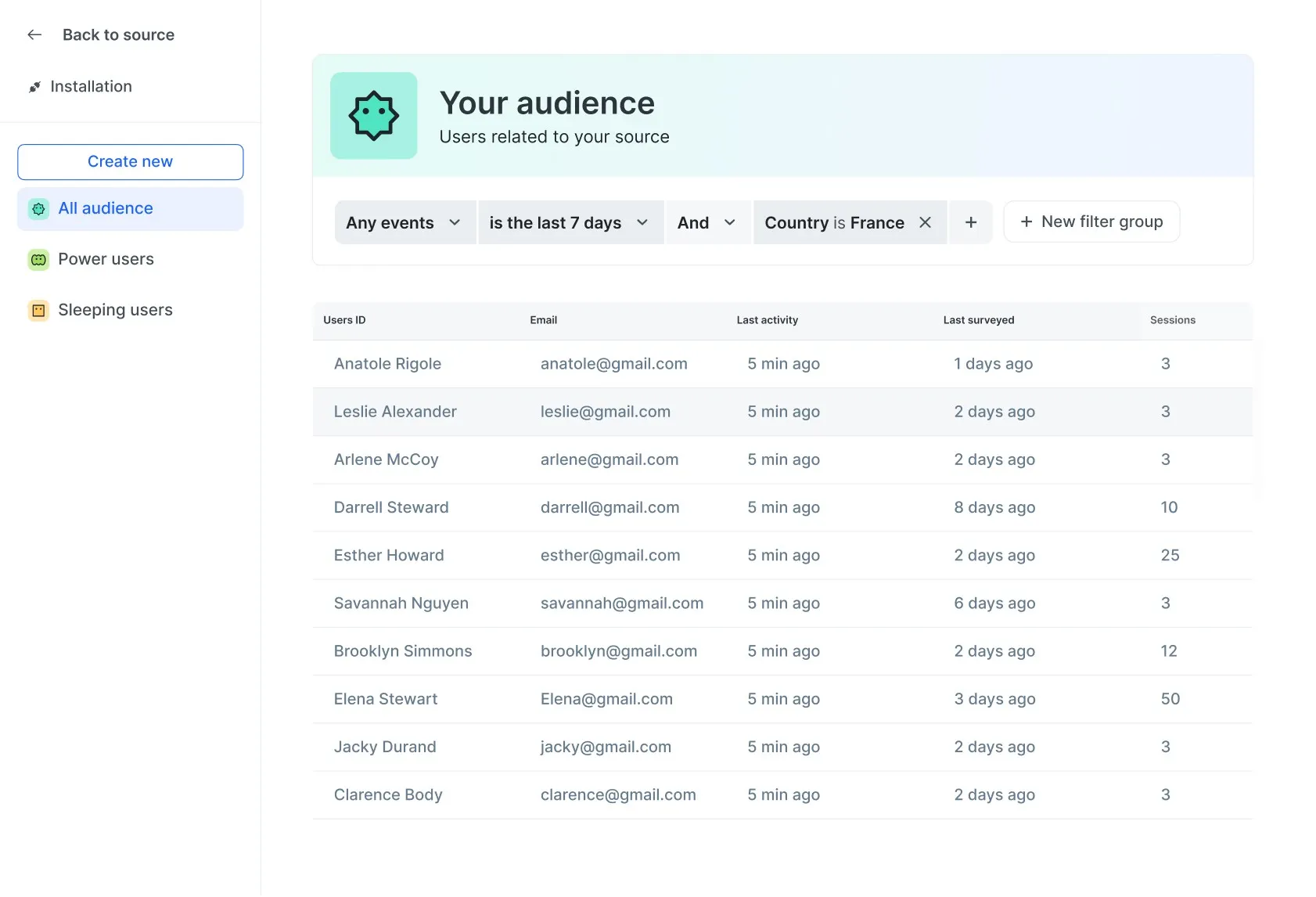
Easily connect your users to Told with just a few lines of code or via Segment. Define your audience based on their traits, behaviors, and actions on your platform to deliver personalized survey to each segment of users.
Trigger your audience
Define your target audience for each survey. Add additional filters to refine your selection. Gain more valuable insights through personalized surveys.
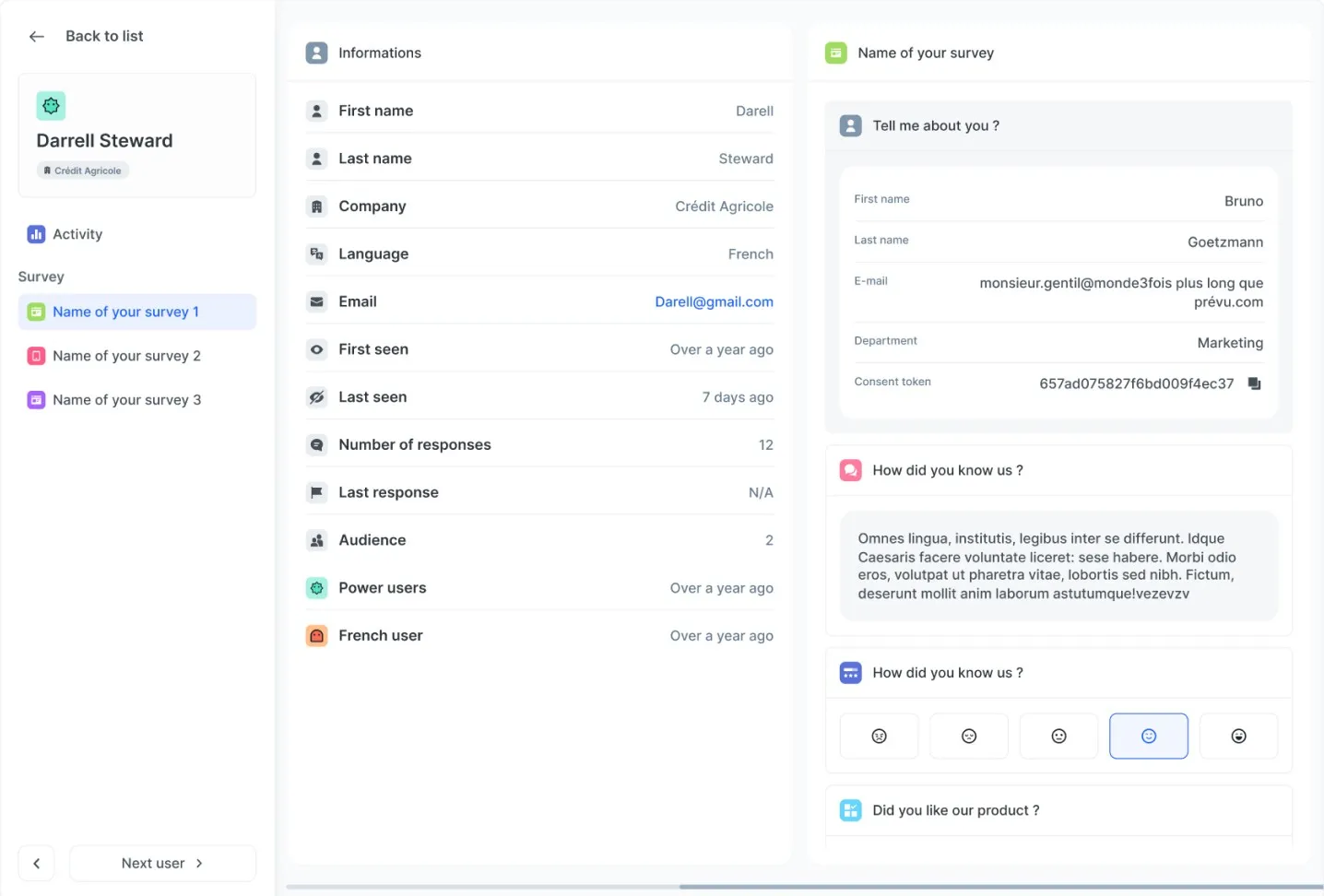
Analyse each user
Get a clear view of each user. Access their answer history throughout their journey on your product. Assign users to specific audiences based on their previous responses.
Smarts features you will love
Craft powerful, custom surveys with our versatile toolkit.
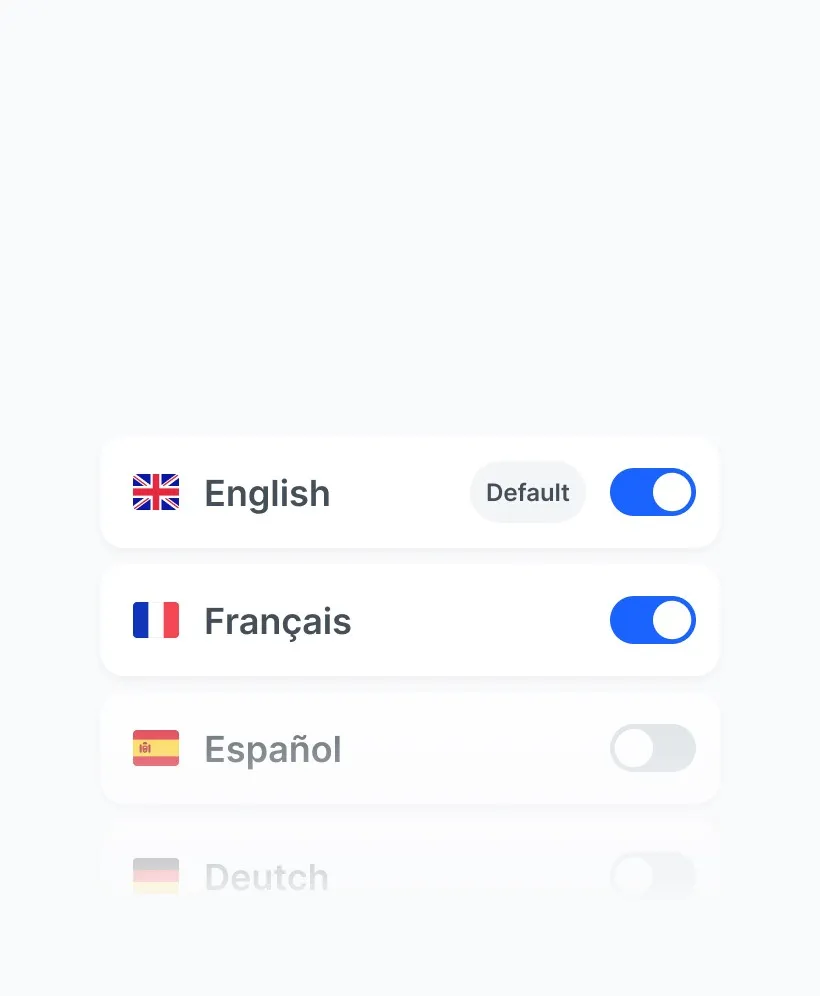
Multilanguage survey
Add several languages to your questionnaire to make it easier for everyone to understand.
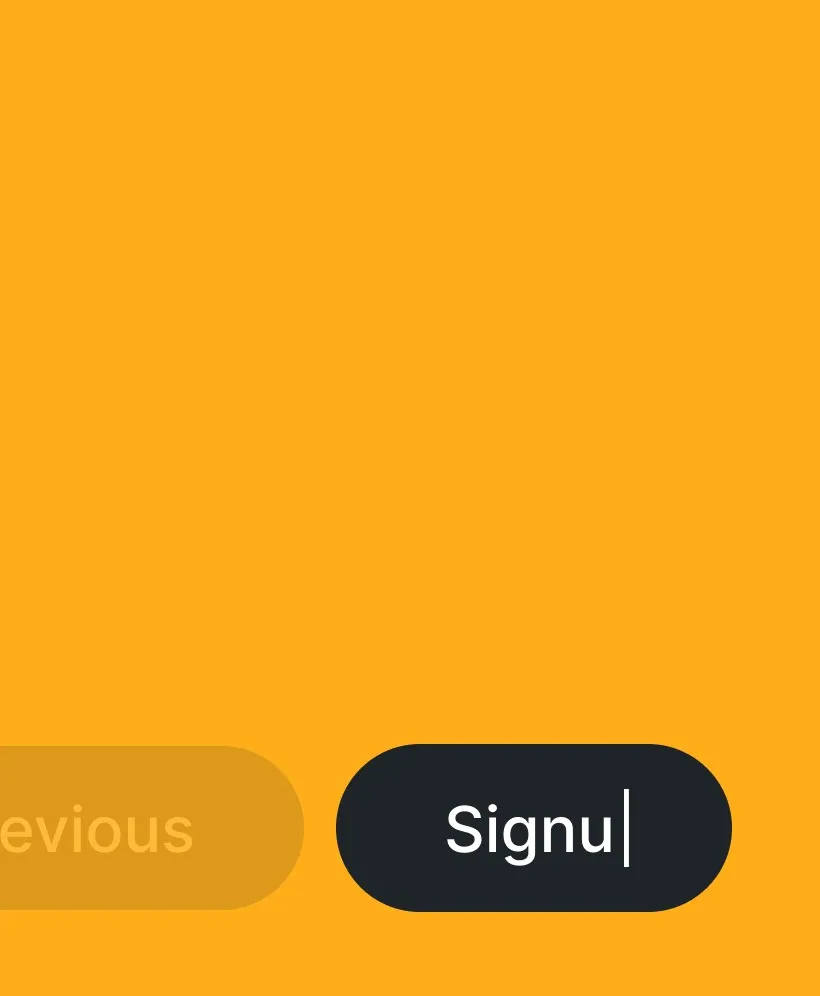
Customize buttons
Customize your calls to action to increase your response rate.
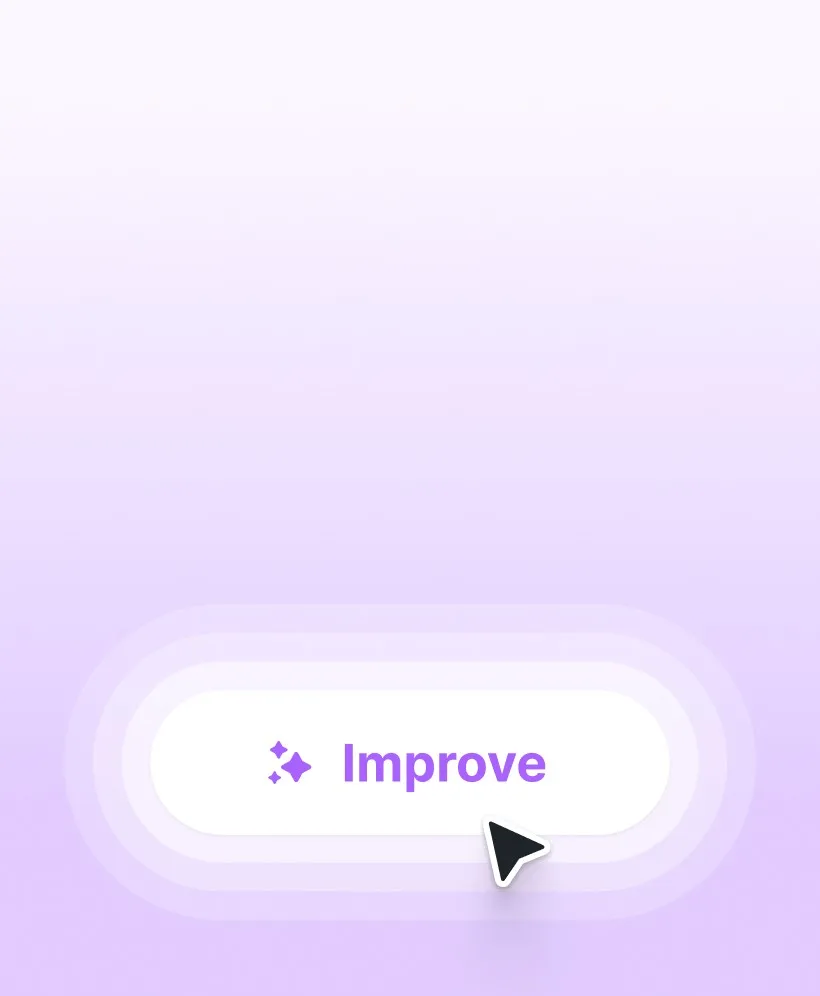
Some Ai...et voilà!
Enhance your question formulation with AI and translate your survey in seconds.
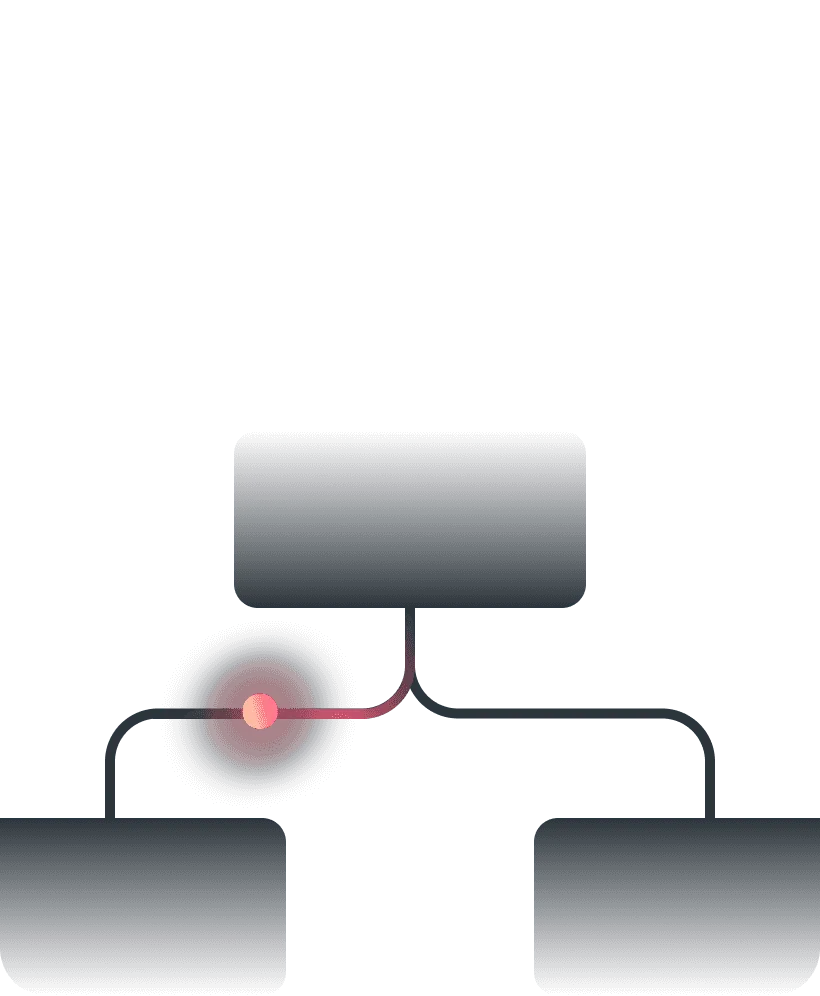
Conditional structure
Use conditional structures to create specific routes based on the answers given.
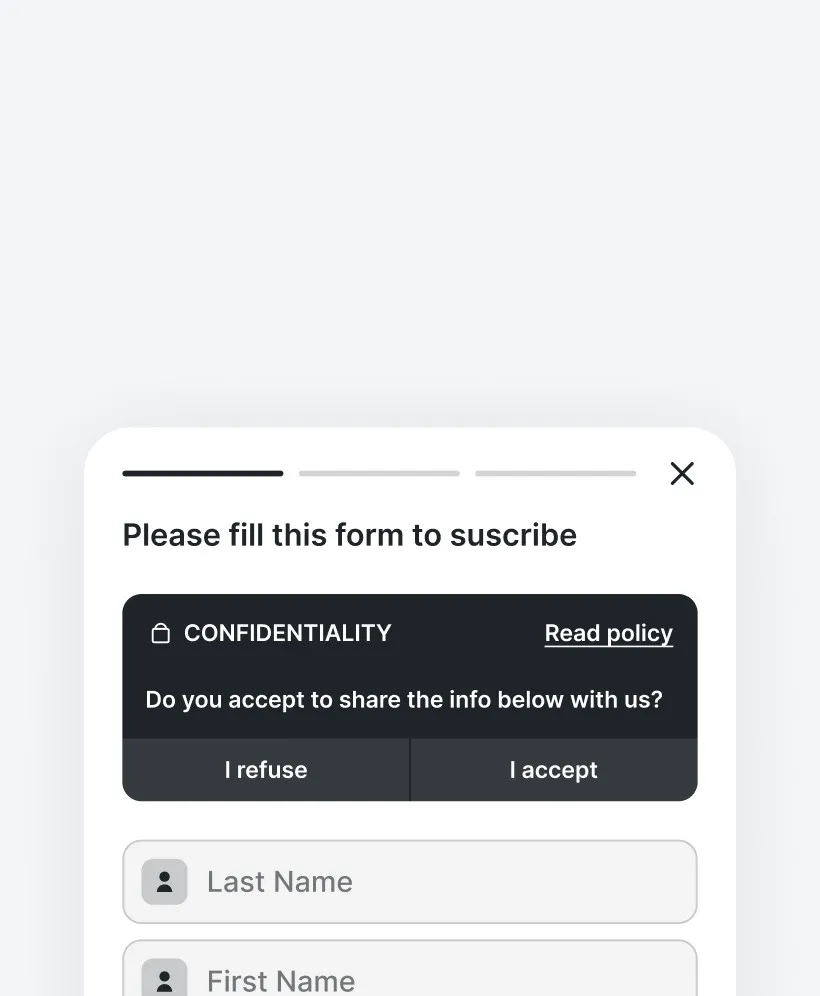
GDPR consent
Collect personal data using our consent widget, which you can easily integrate into your website.
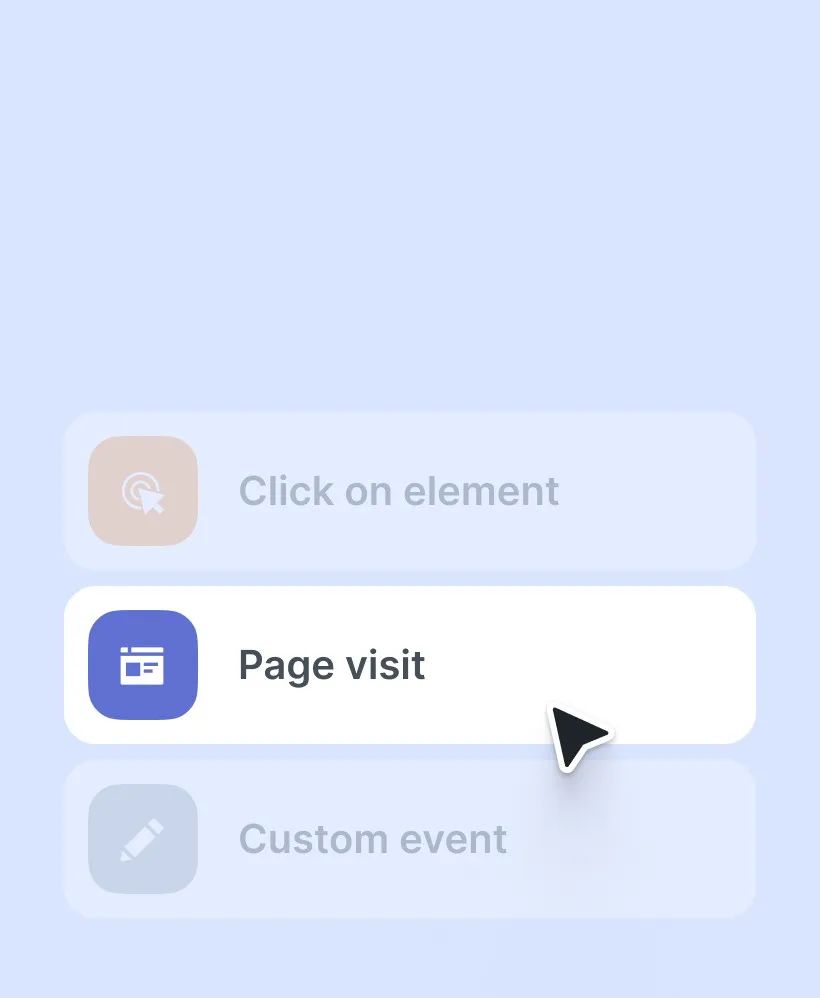
No-code triggers
Launch your survey with no-code triggers in seconds without developers.
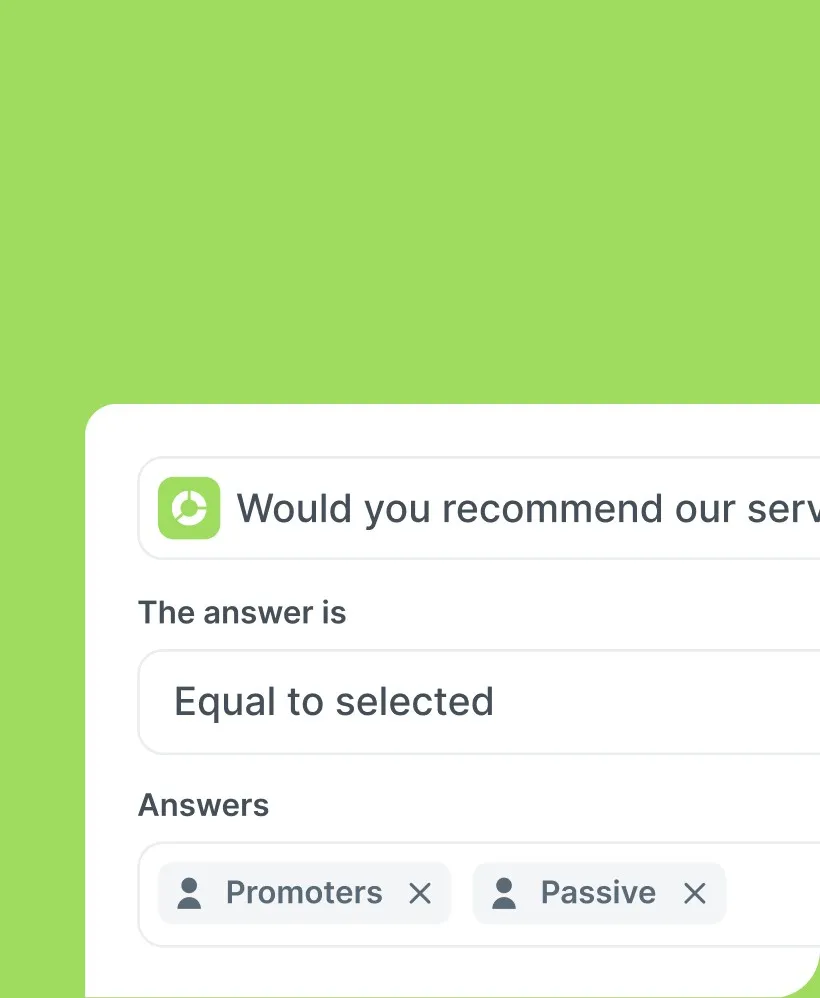
Filter datas
Filter the data that interests you in just a few clicks and understand it at a glance.
Start from our templates
Assess user satisfaction, evaluate feature performance, test new concepts, and understand reasons for user attrition. Let our templates guide your survey creation process.
Start for freeTold is my new favorite widget! I wanted a simple to use solution that allows feedback collection while preserving the user experience. It's done with told. The UX is great and the team is awesome.

Manon Manso
Head of retention @axeptio
Frequently Asked Question
What's product survey?
The product feedback is part of the product designer or manager’s toolbox. It lets you know what could be improved and what is good. It gives an additional vision to the product analysis and helps guide and prioritize the actions to be taken in the roadmap.
What are benefit of product survey?
It is particularly relevant because it occurs during the use of your solution. Feedback is therefore made contextually and allows to gather feedback data as close as possible to reality. For example, you can trigger the survey after using a feature or a journey on your product.
Where is my data stored?
Your survey data is stored on our servers in Europe. We are in compliance with the RGPD to guarantee the anonymization of sensitive data and we collect consent for the collection of personal data in forms.
Can i export my reports?
Yes, you can export the reports in two ways: first, you can export a PPT presentation. You'll then have a report you can easily present to your managers or colleagues. You can also export in Excel format, for a quick and easy-to-use data table with a clear structure. Finally, you can also share the report by activating the one-click option and share it with anyone.
Do I have to pay to add additional members to my team?
The number of seats allocated to your team depends on the plan you have chosen. We invite you to visit our pricing page to find out more.
Want to ask feedback? Discover our other tools.
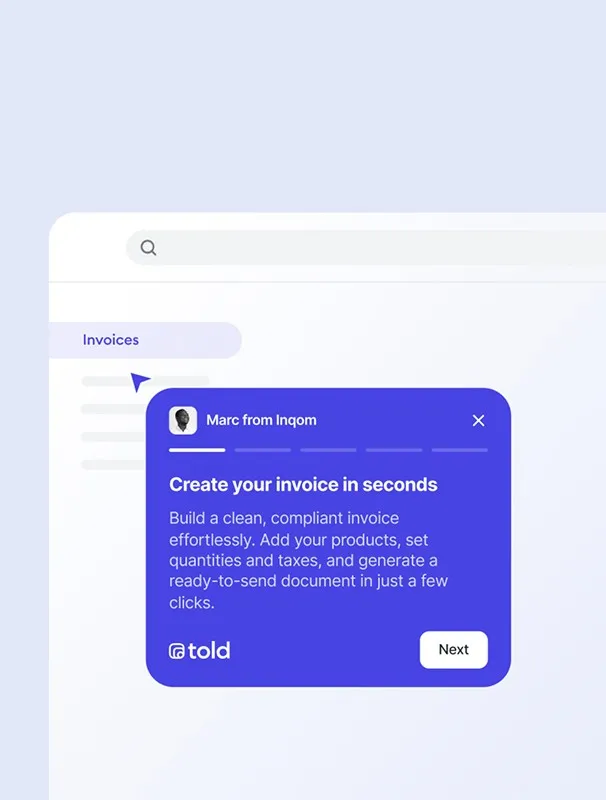
 Product tour
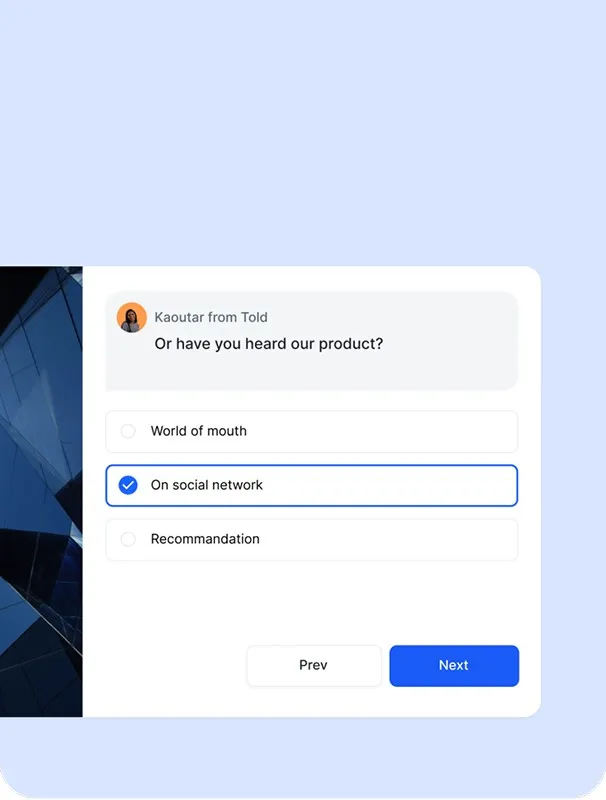
 Long form survey
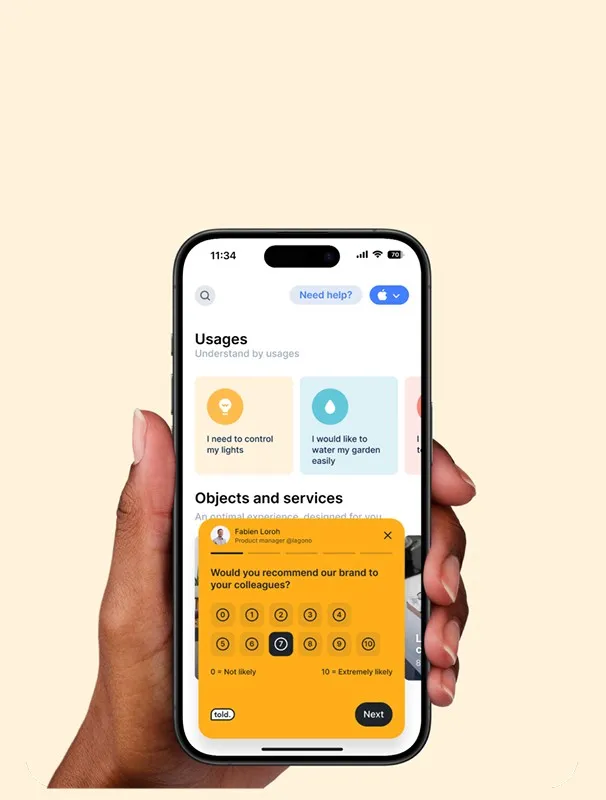
 In-app survey mobile
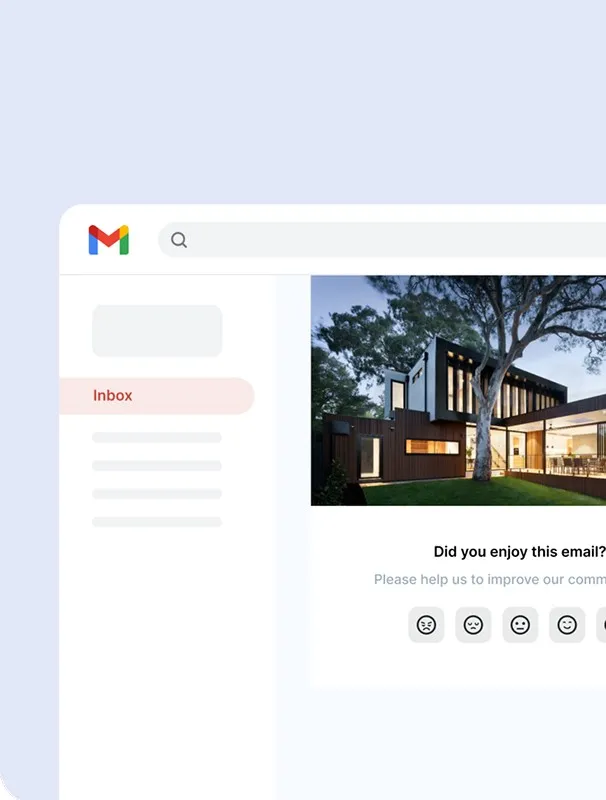
 E-mail survey
What should be your next move on your product ?
Unlock deep insights into your users' needs and harness this knowledge to consistently refine your product or service.
Try for free