


 Mobile In-app survey
Talk to your users directly in your app
Collect valuable in-app feedback and turn it into actions that drive your product forward.
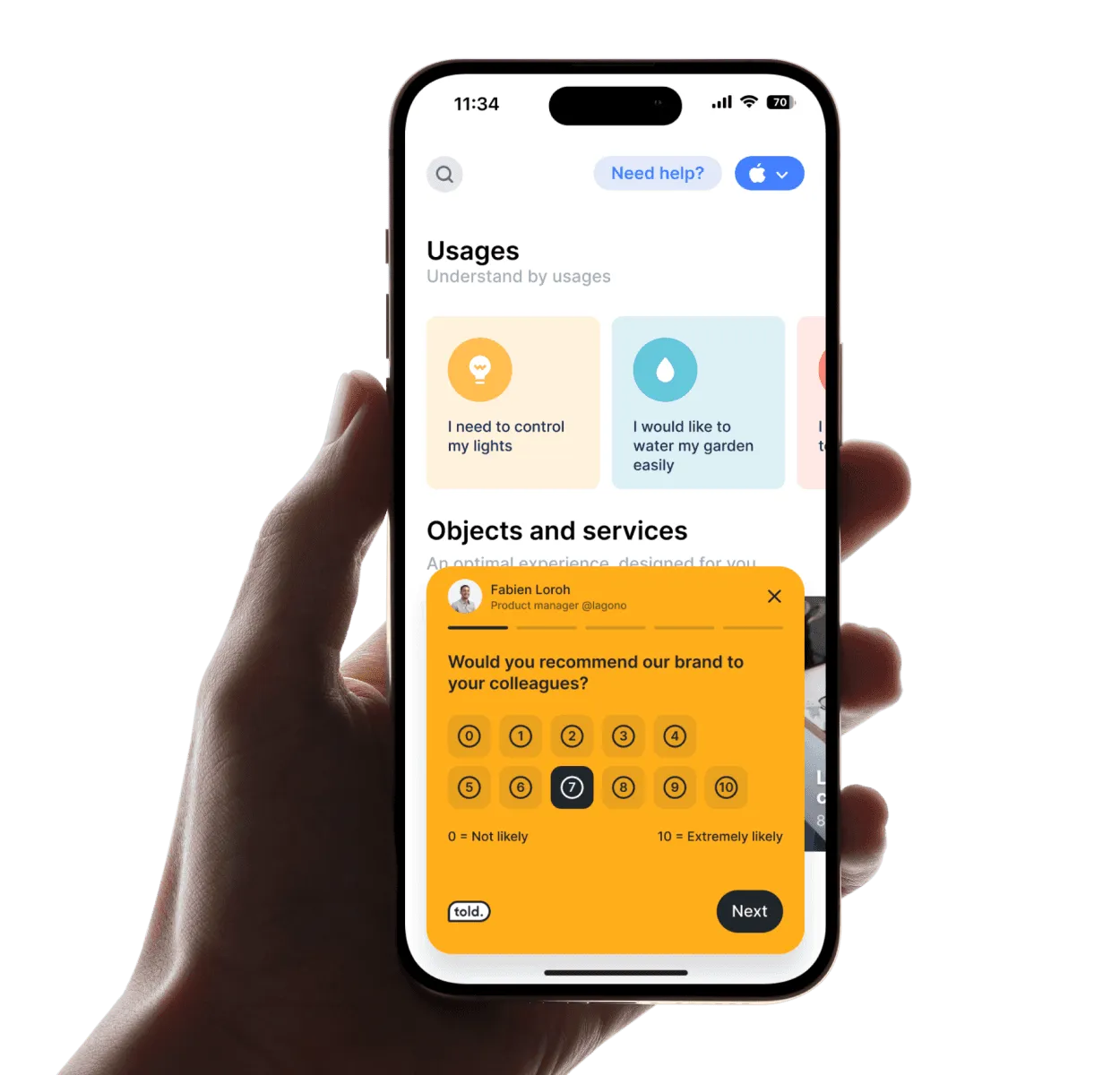
50 shades of feedback
Explore all the ways in-app feedback can fuel smarter decisions and better experiences.
Check feature love
Find out what users think of specific features, highlight what works, and improve what doesn’t. Adjust your roadmap with insights straight from your users.
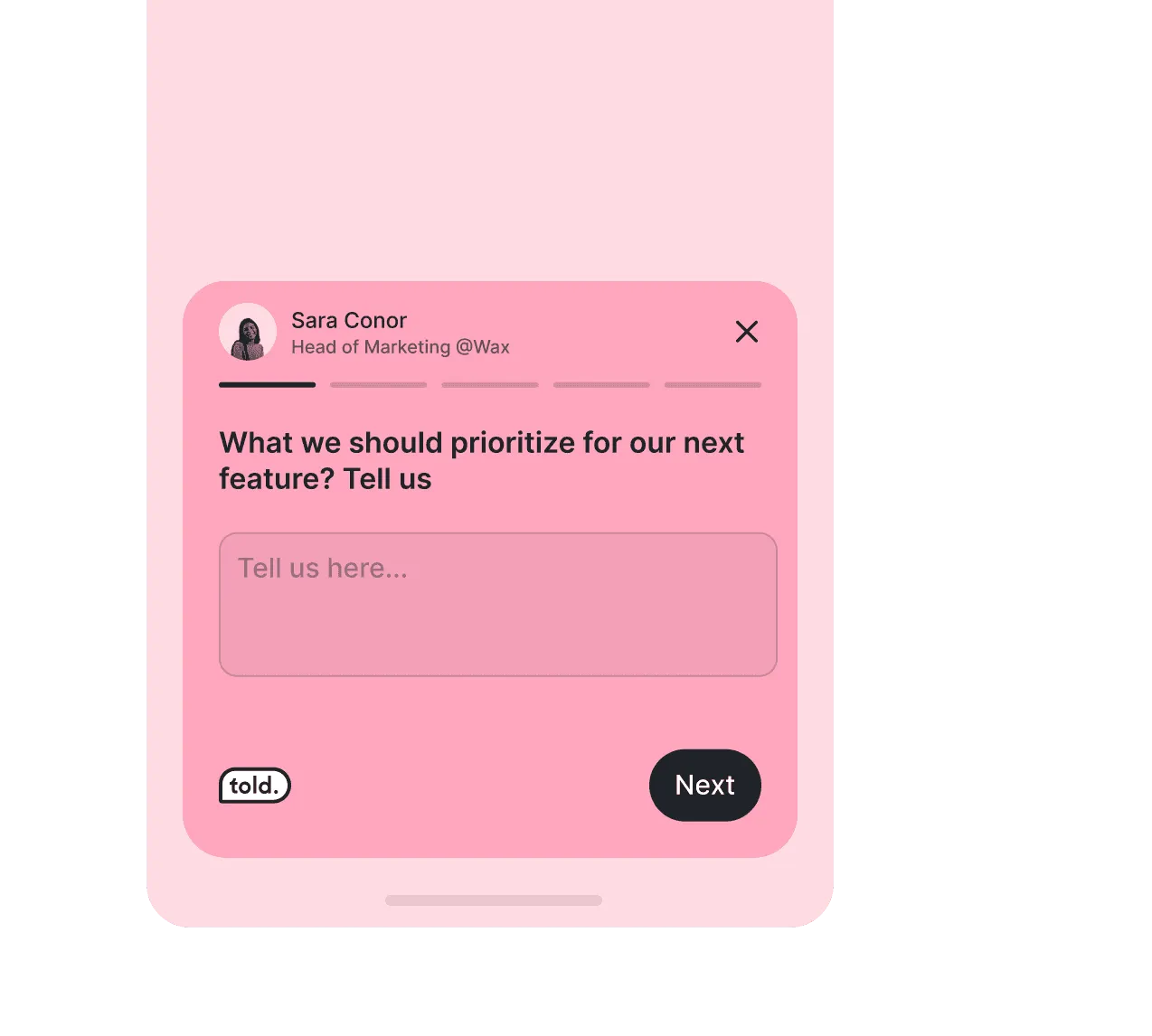
Create excitement with waitlists
Build the hype for new features. Manage early access with waitlists that keep users eagerly awaiting your next big update.
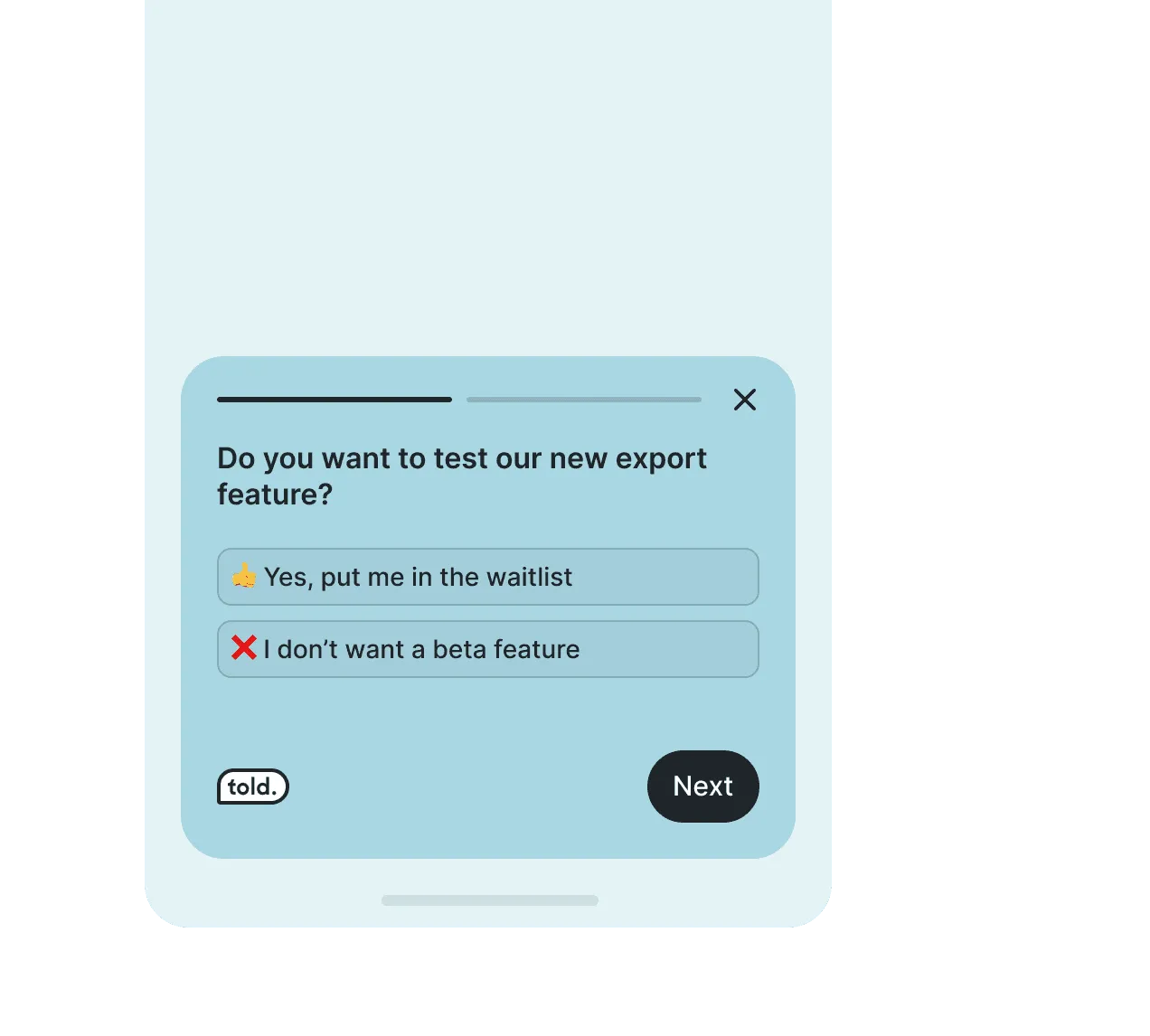
Profile your audience
Get a clear picture of who’s using your app and how. Drive your product development and marketing strategies with data that matters.
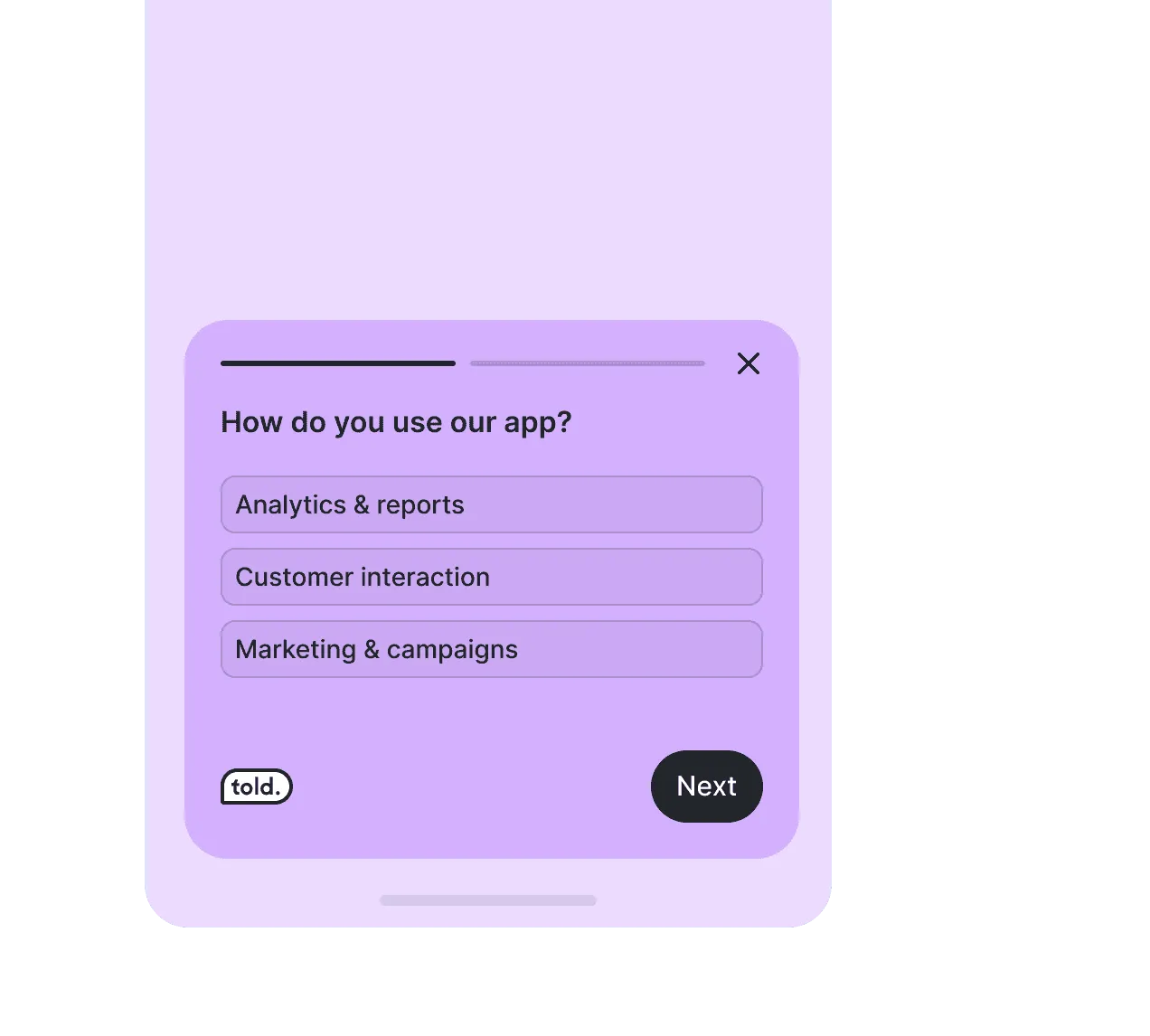
Gather beta feedback
Collect insights from beta users, uncover bugs, and fine-tune before the official release—let your most loyal users shape the best version of your app.
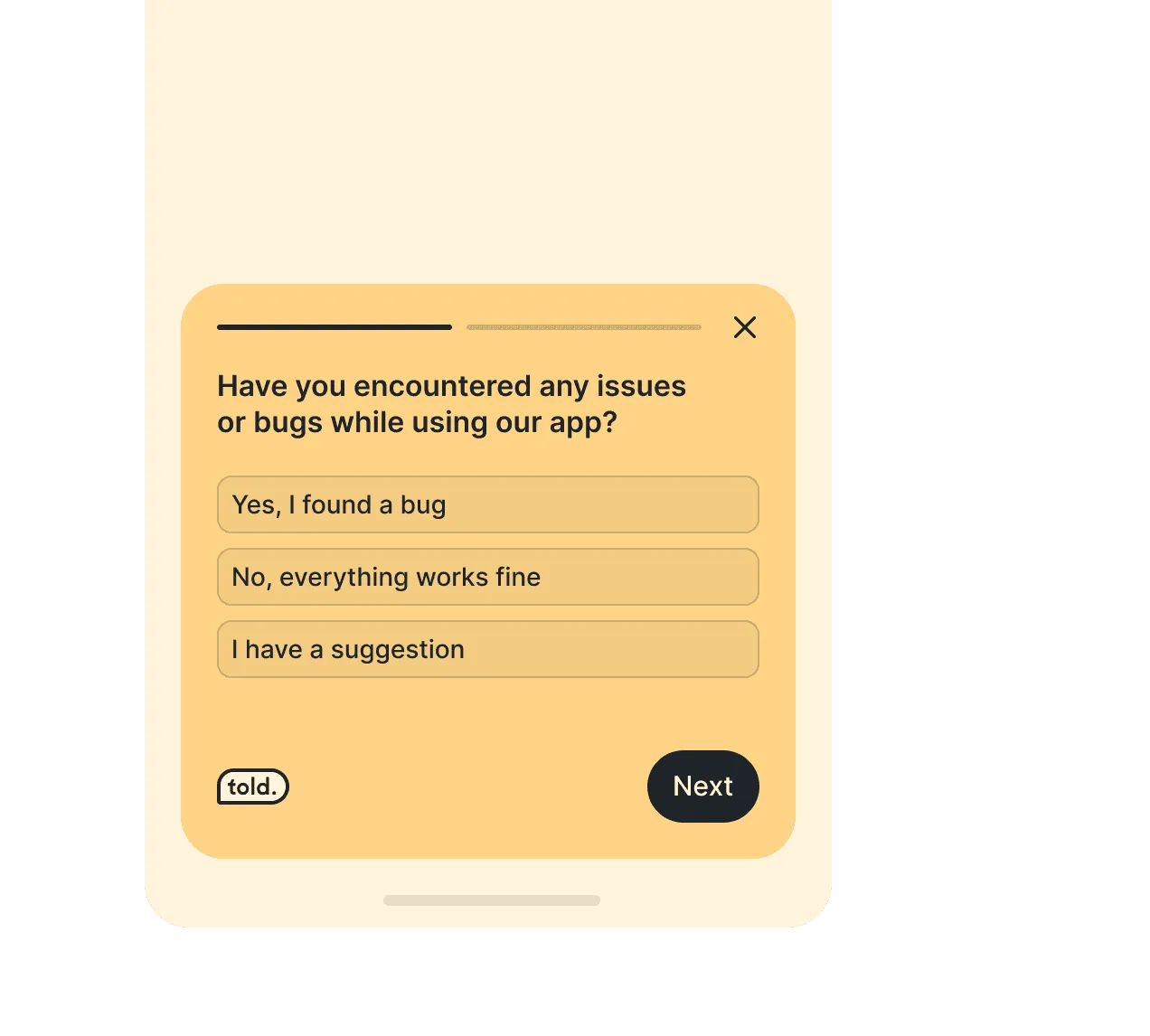
Gather beta feedback
Collect insights from beta users, uncover bugs, and fine-tune before the official release—let your most loyal users shape the best version of your app.
Real-time, in-context feedback
Capture insights directly in your app, right when they happen—because timing is everything.

Target the right audience
Capture insights directly in your app, right when they happen—because timing is everything.

Simple integration, maximum impact
Easily integrate with iOS, Android and native React via SDK, with step-by-step guidance.

Clear data, instant insights
All your data in one dashboard, with quick PPT and Excel export for easy sharing. Smart decisions, made easy.
Deploy your survey in 3 steps within your mobile-application
Rapidly deploy your surveys, get valuables datas for analyse
Create your survey easily with different types of questions in multiple languages.
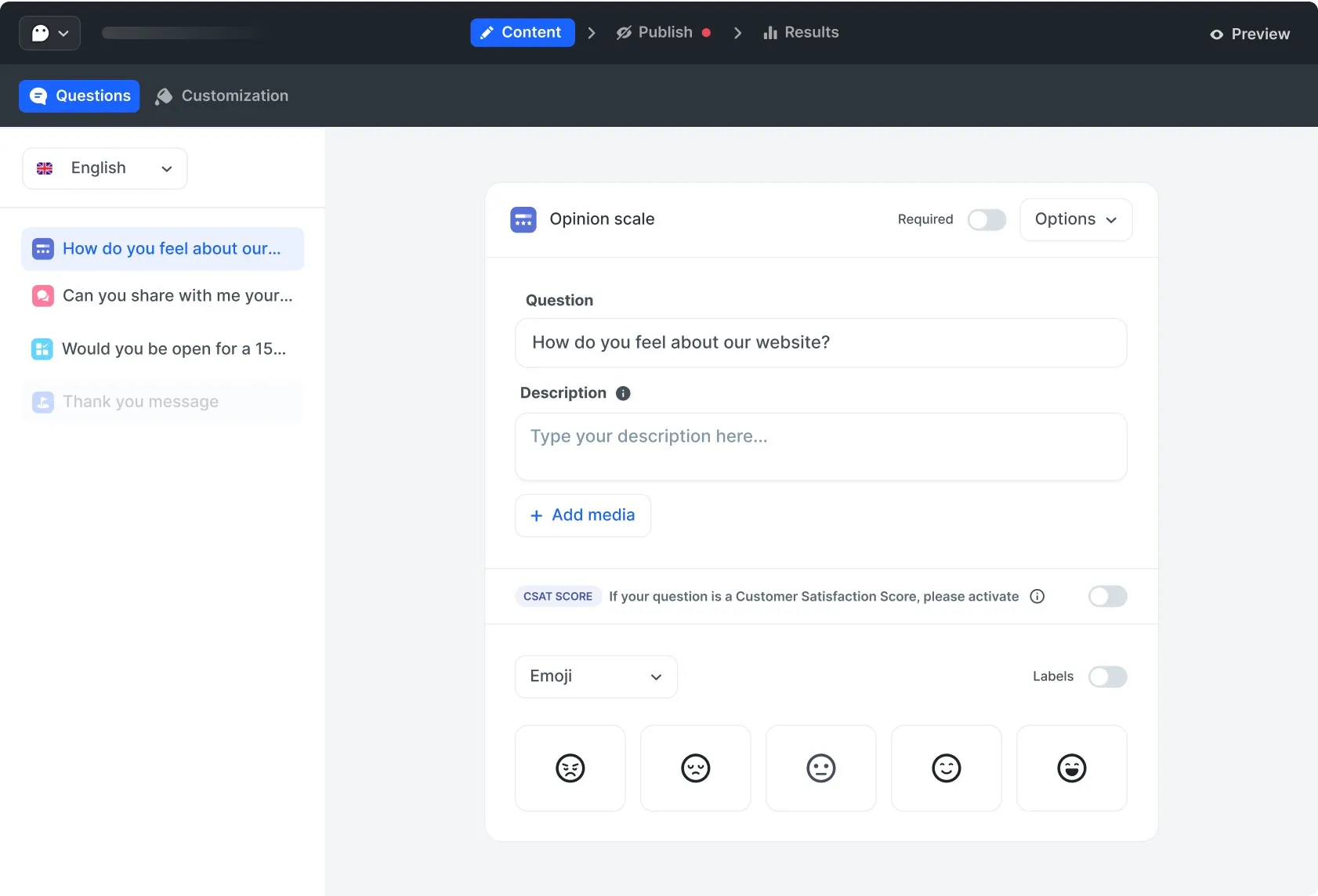
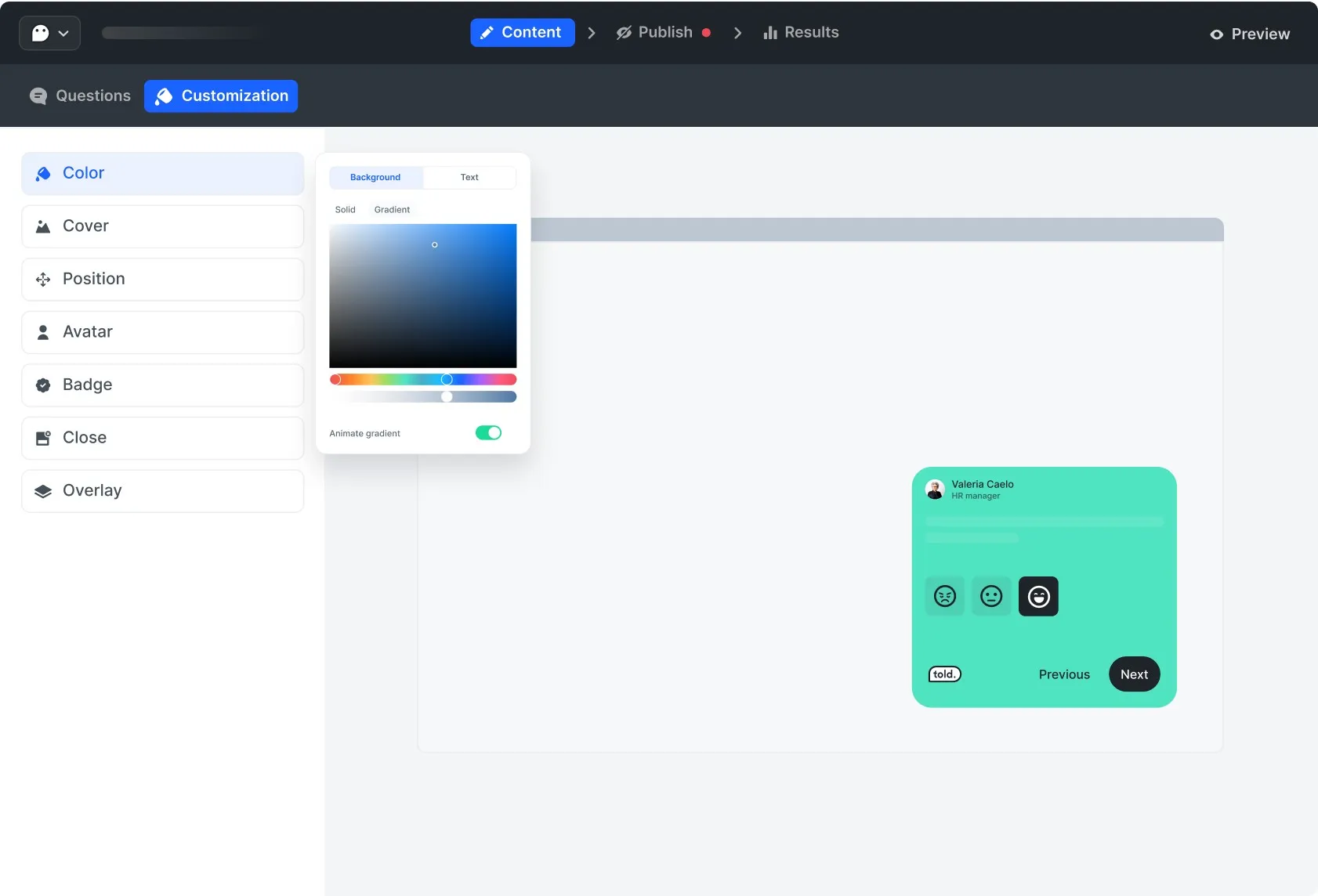
Stay consistent with your brand. Manage color, add an avatar, and more options.
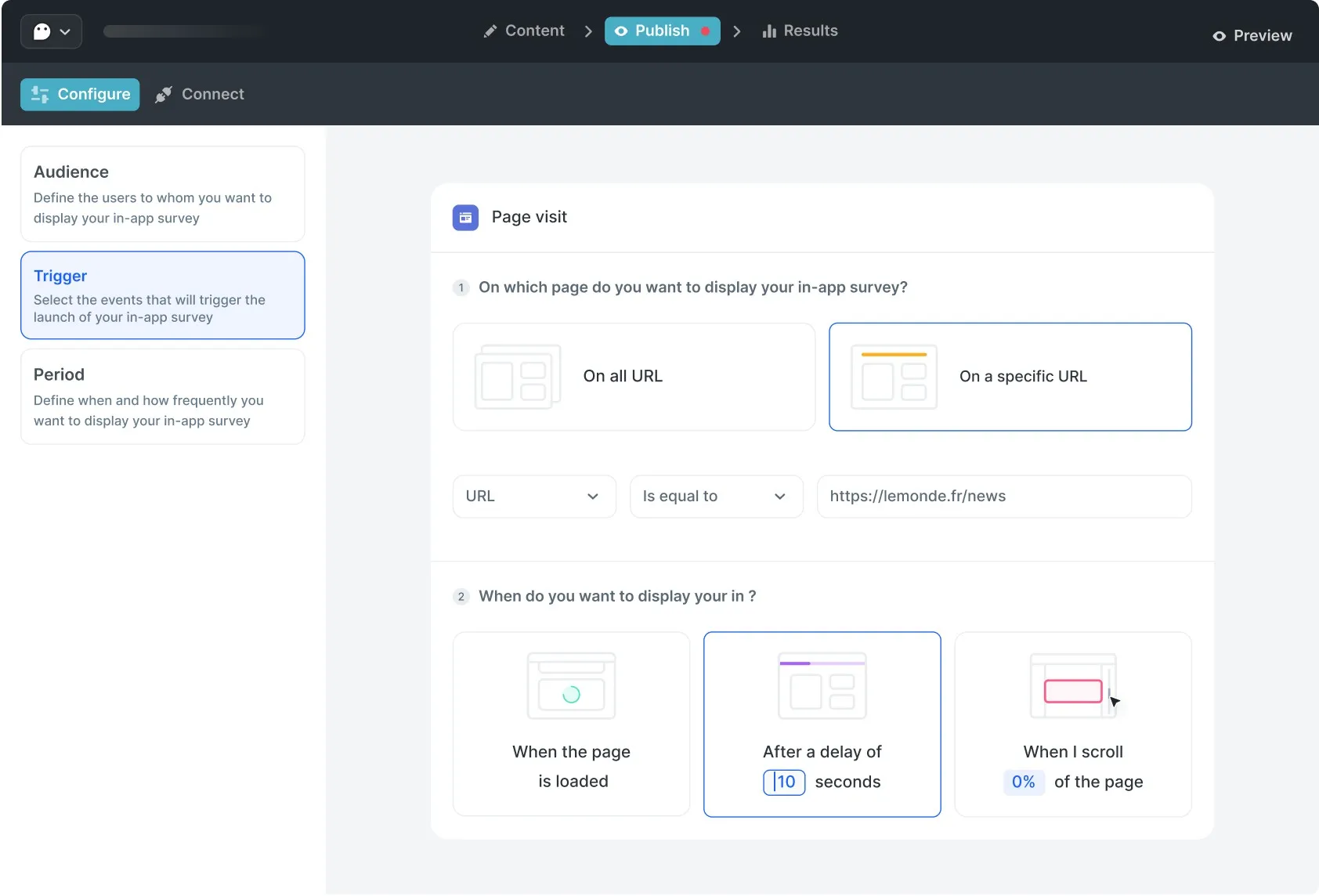
Target the right audience at the right time. Choose when and where to launch your survey.
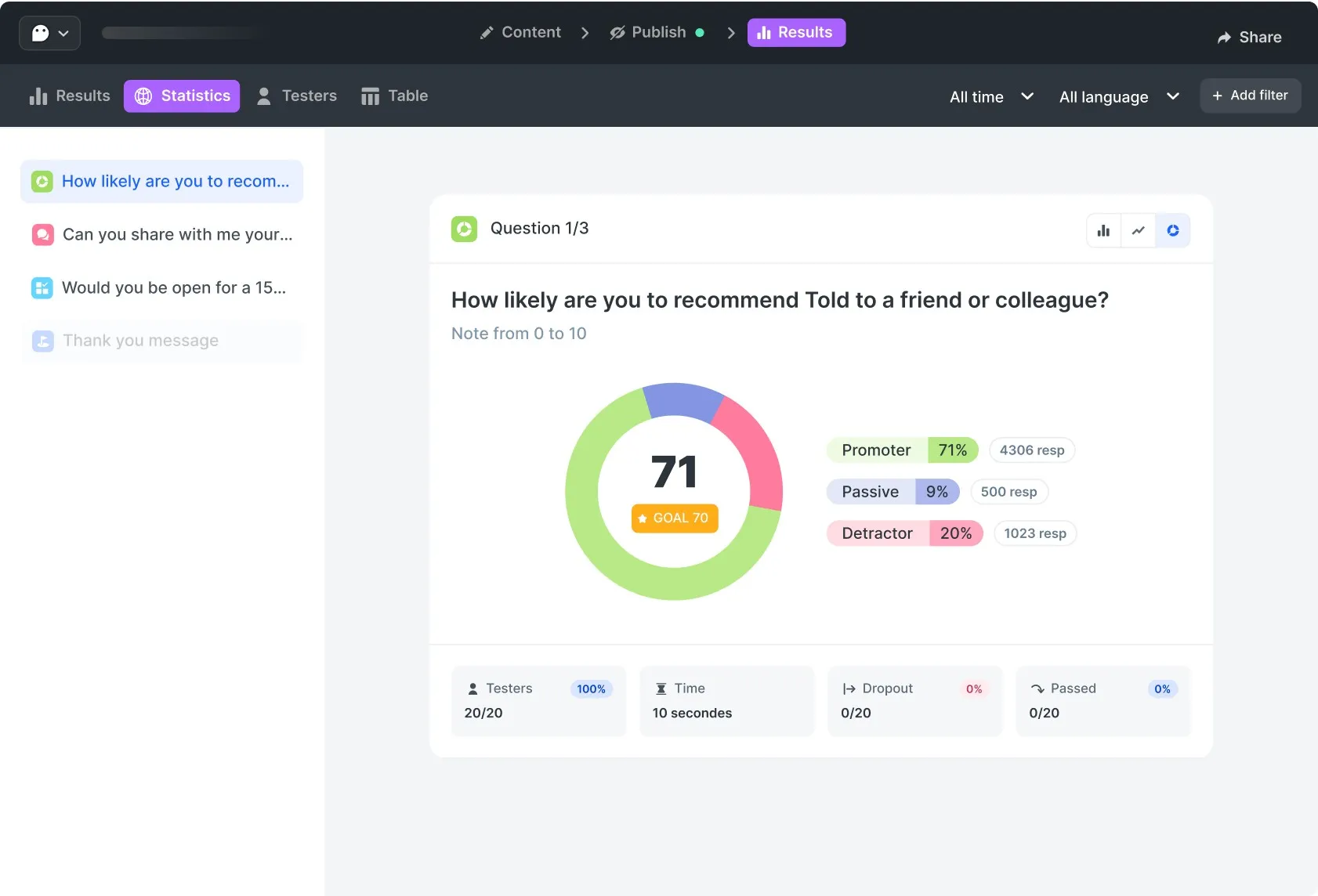
Build your team’s vision around intuitive data. Understand not only your respondents' answers but also how they engage.
Some cool features you will love
Craft powerful, custom surveys with our versatile toolkit.
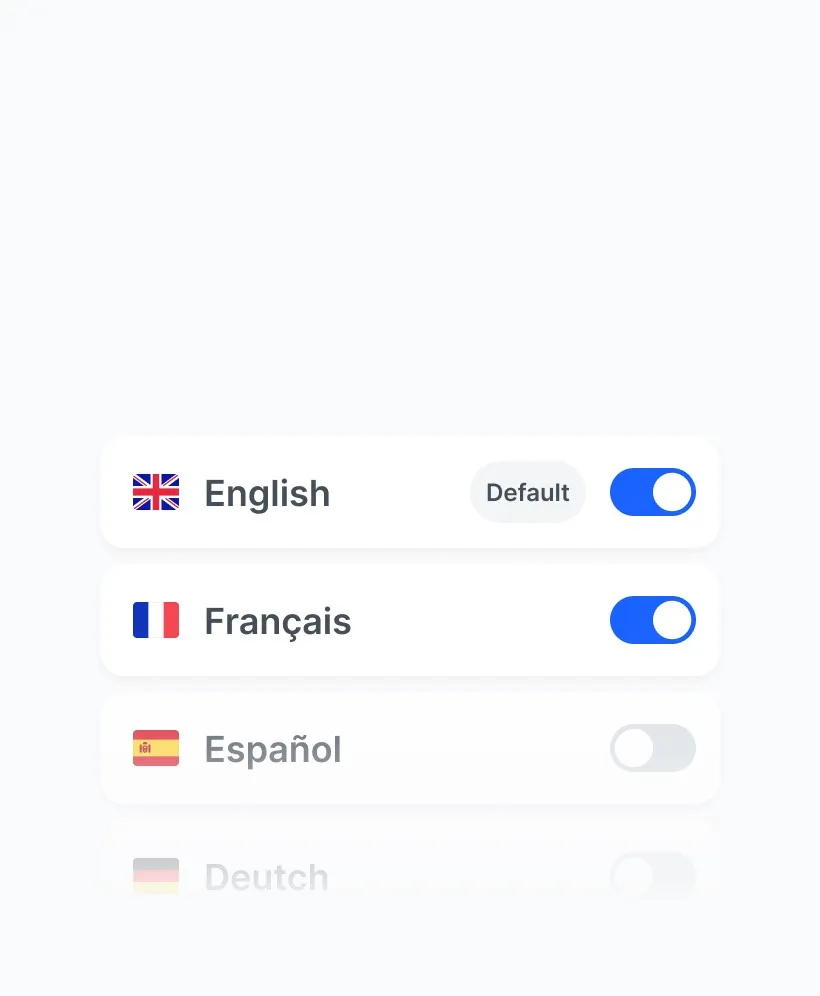
Multilanguage survey
Add several languages to your questionnaire to make it easier for everyone to understand.
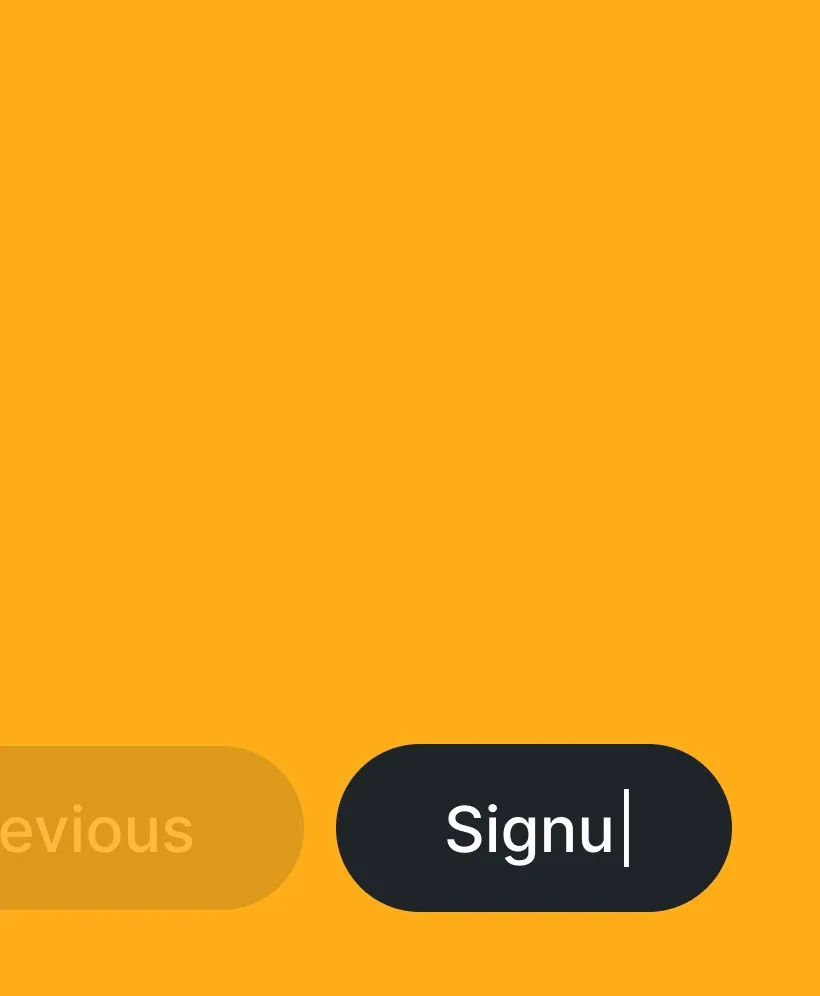
Customize buttons
Customize your calls to action to increase your response rate.
Some Ai...et voilà!
Enhance your question formulation with AI and translate your survey in seconds.

Conditional structure
Use conditional structures to create specific routes based on the answers given.
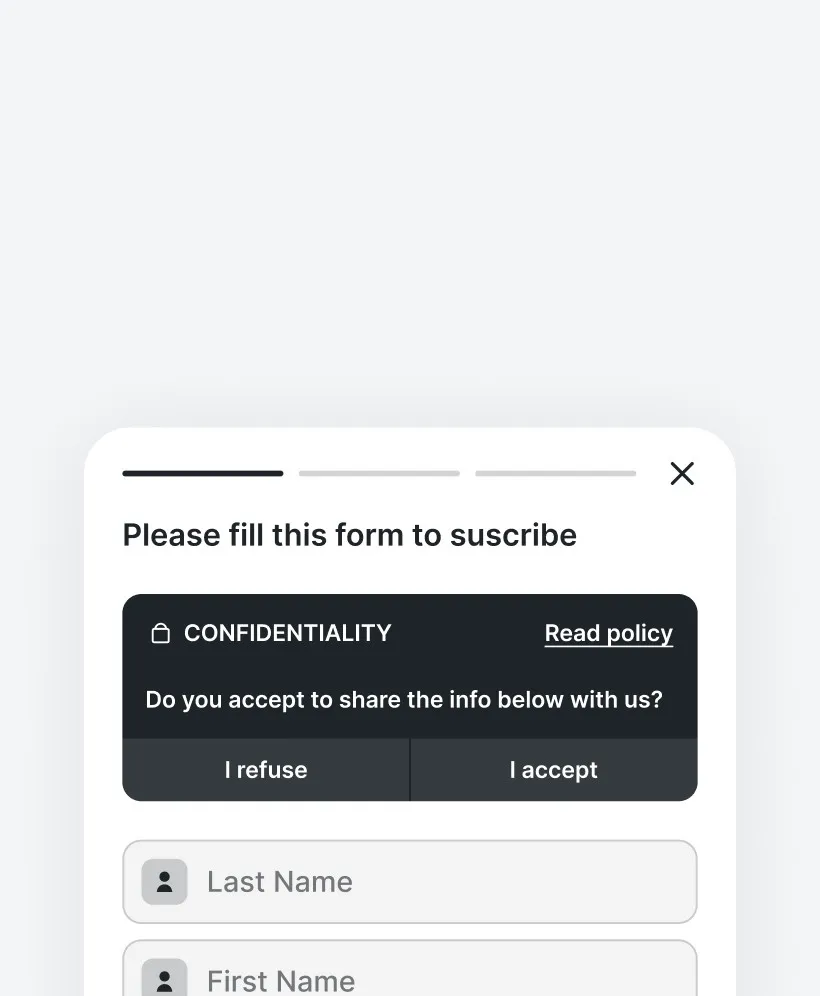
GDPR consent
Collect personal data using our consent widget, which you can easily integrate into your website.
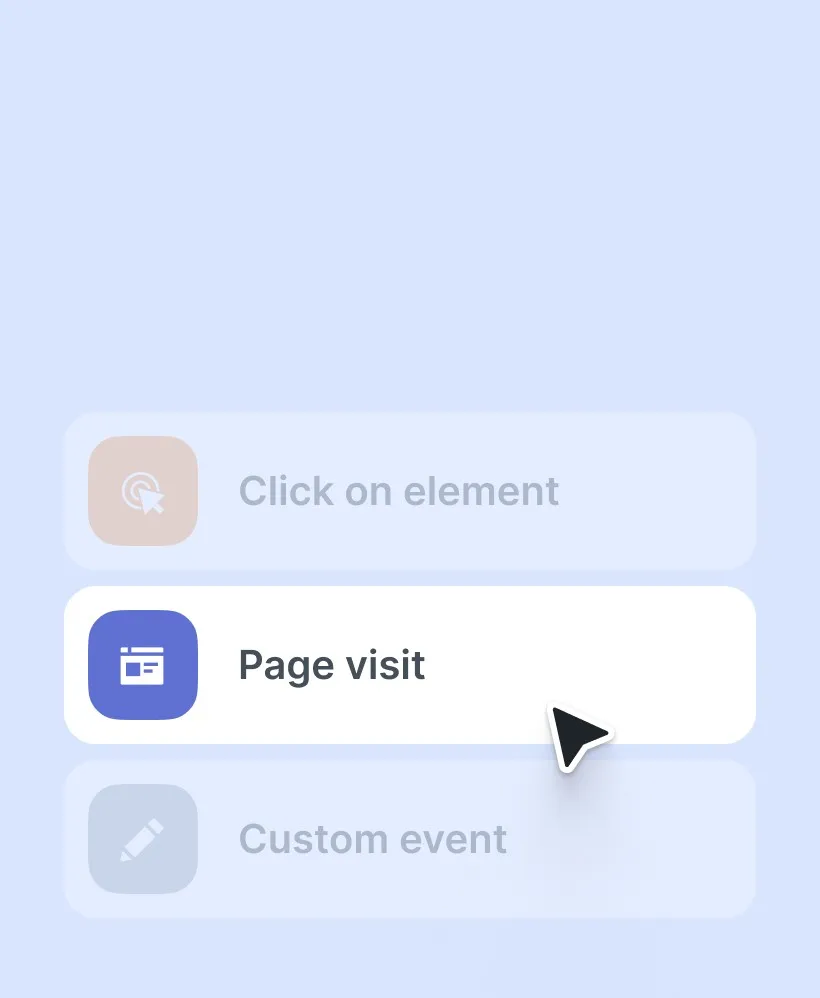
No-code triggers
Launch your survey with no-code triggers in seconds without developers.
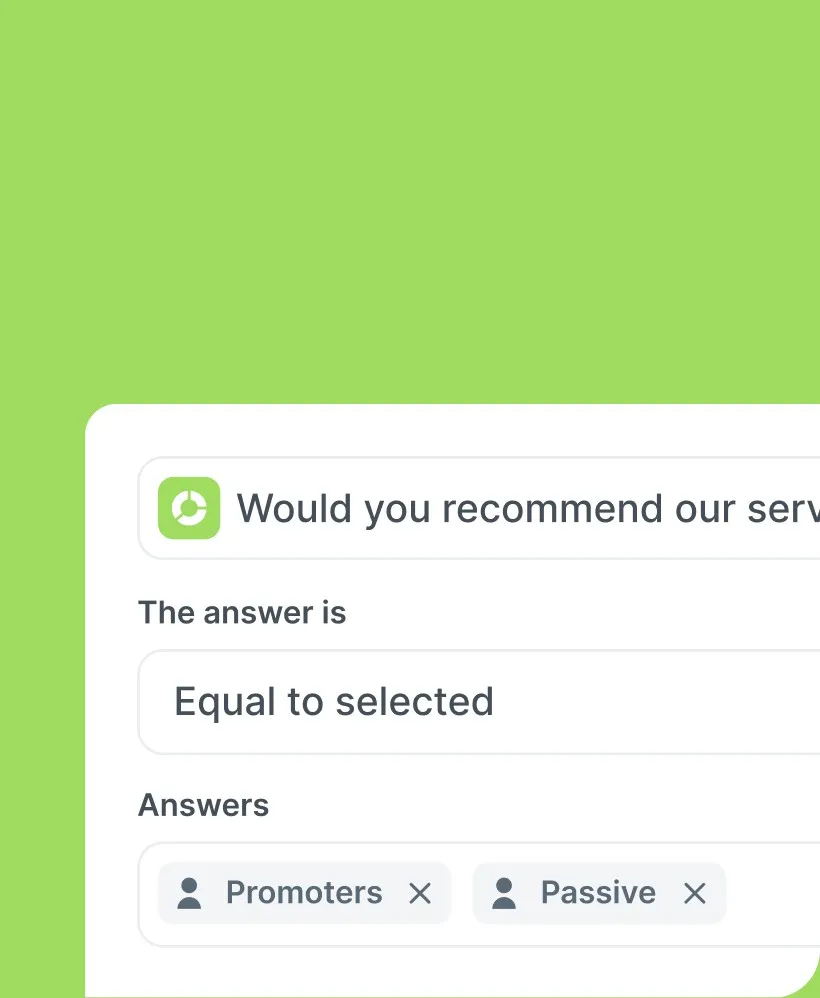
Filter datas
Filter the data that interests you in just a few clicks and understand it at a glance.
Your users insights, right in your app
Survey like a pro. With our ready-to-go templates, you’re set to measure satisfaction, test features, or get the inside scoop on user experience. Just pick, customize, and go—insights await!
Try for freeCollecting user feedback is essential for designers, and Told makes it easy and stylish to do so on websites, SaaS, and apps.

Valentin Salmon
Co-founder @anagram
Frequently Asked Question
What is mobile app survey ?
The mobile app survey consists in collecting feedback from your users within the app context. It can be used to measure an indicator such as Net Promoter Score, or to ask even more specific questions about a feature or the application experience. You can also use the survey to manage demand for additional features from those who use your application.
Which systems is Told compatible with?
Told is compatible with Ios and Android (soon react Native). You can easily integrate it into your application with native SDK or with react. Everything is explained in our documentation to guide you step by step
Which offer should I choose to use Told on my mobile app?
All our plans allow you to do so. You'll simply be limited to one source on the free plan. For more sources, you can consult our offers to choose the one best suited to your needs.
Where is my data stored?
Your survey data is stored on our servers in Europe. We are in compliance with the RGPD to guarantee the anonymization of sensitive data and we collect consent for the collection of personal data in forms.
Can i export my reports?
Yes, you can export the reports in two ways: first, you can export a PPT presentation. You'll then have a report you can easily present to your managers or colleagues. You can also export in Excel format, for a quick and easy-to-use data table with a clear structure. Finally, you can also share the report by activating the one-click option and share it with anyone.
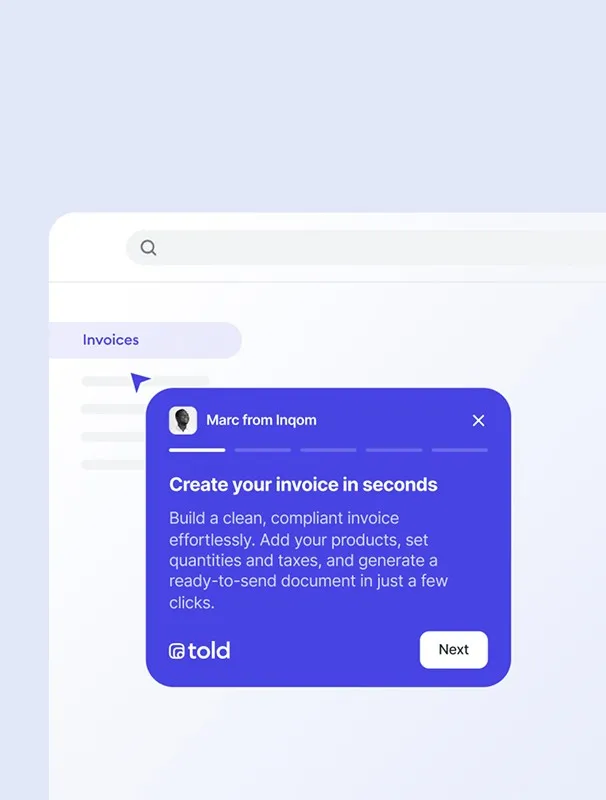
 Product tour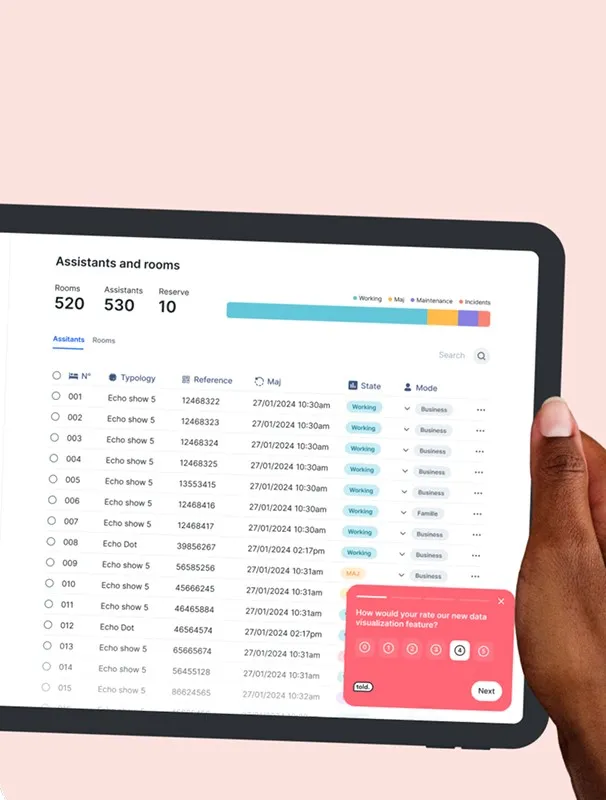
 In-app survey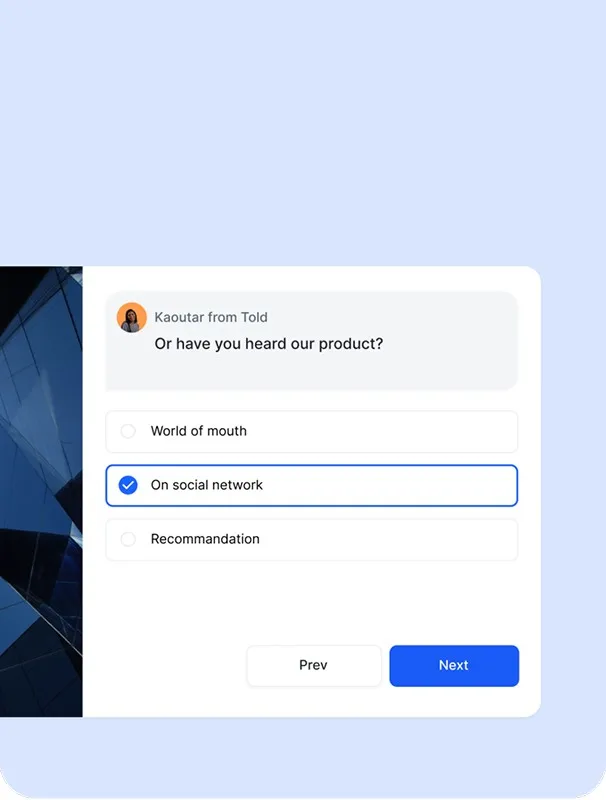
 Long form survey
 E-mail survey